 Newshot
Read without limits.
Your books, on a reader you can make your own. CrossPoint is free software for compact e-readers, built by the people who read on them.
Buying through our shop links helps fund development.

Join the thousands of readers who love CrossPoint
More control over how you read.
CrossPoint is the software behind the screen. Free to install, with new features built by people who use it every day.
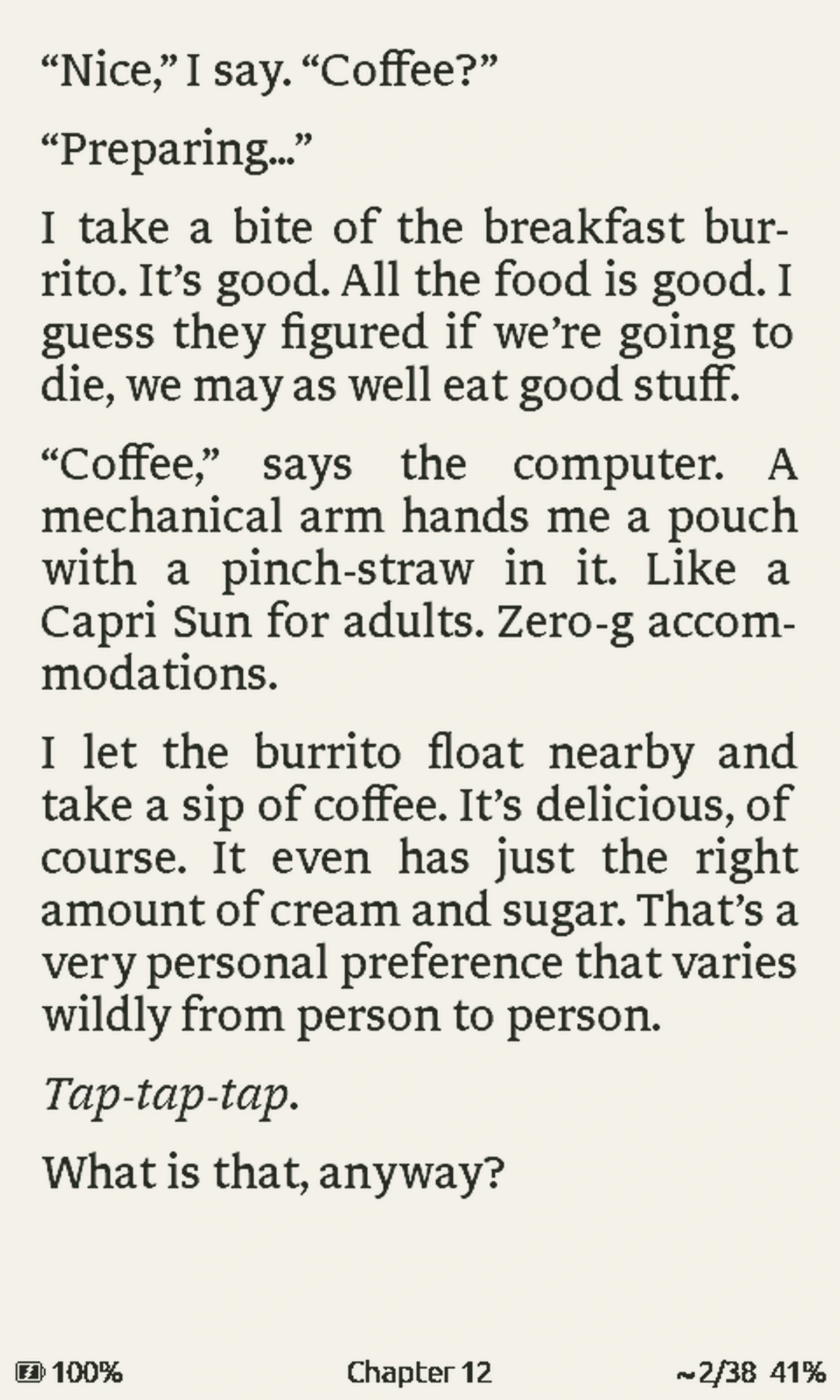
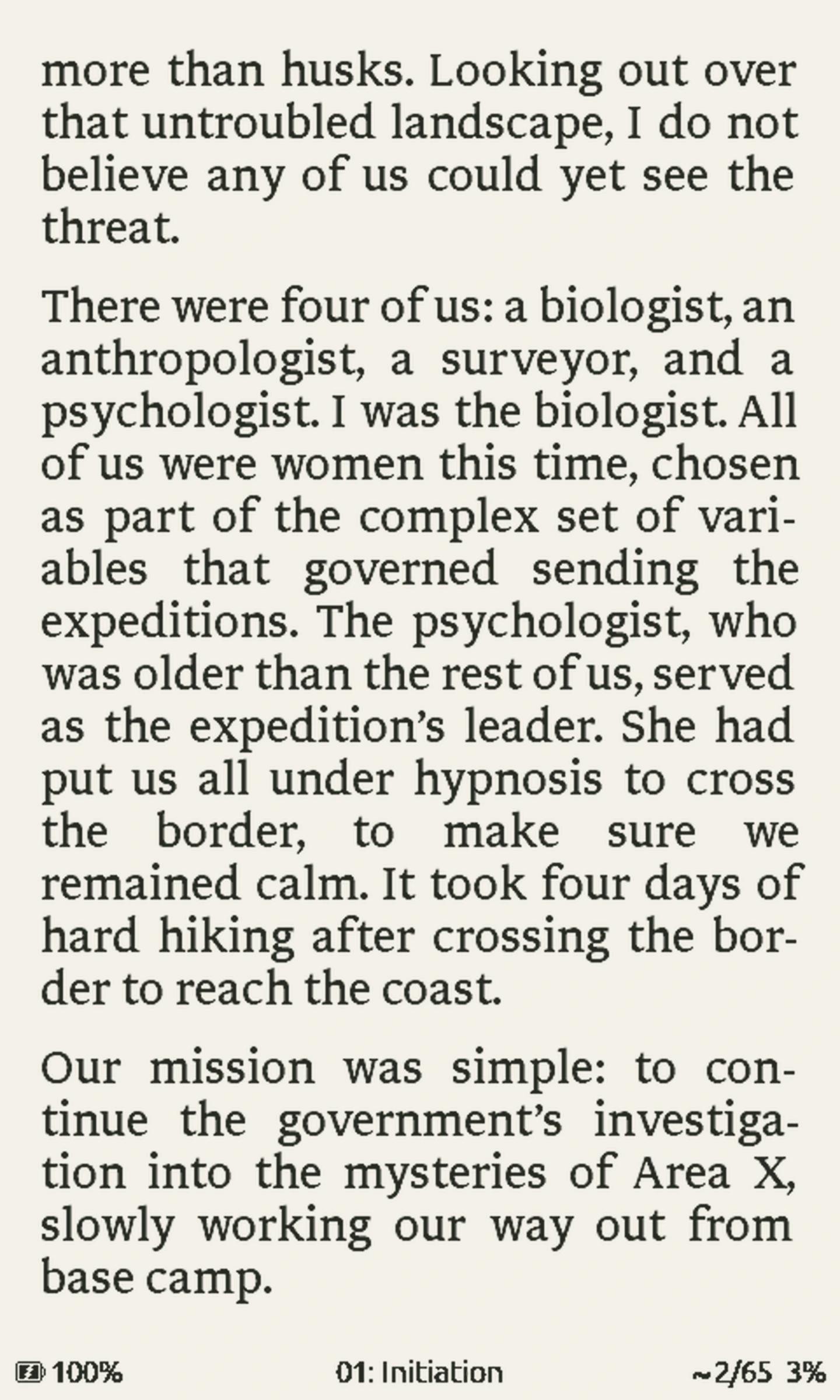
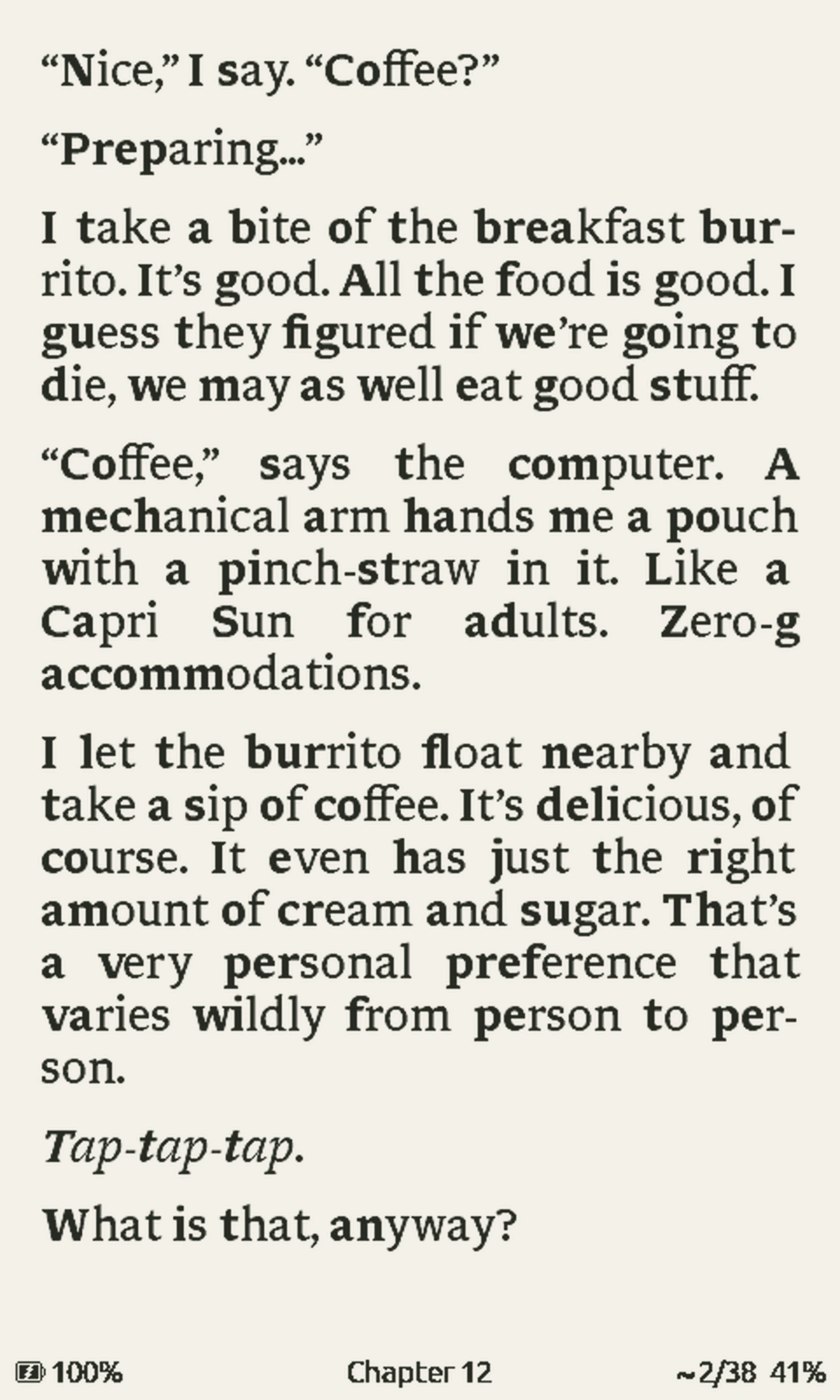
EPUB formatting and typography
Read EPUBs with justified text, language-aware hyphenation, and working footnotes. CrossPoint also renders drop caps, small caps, and illustrations.
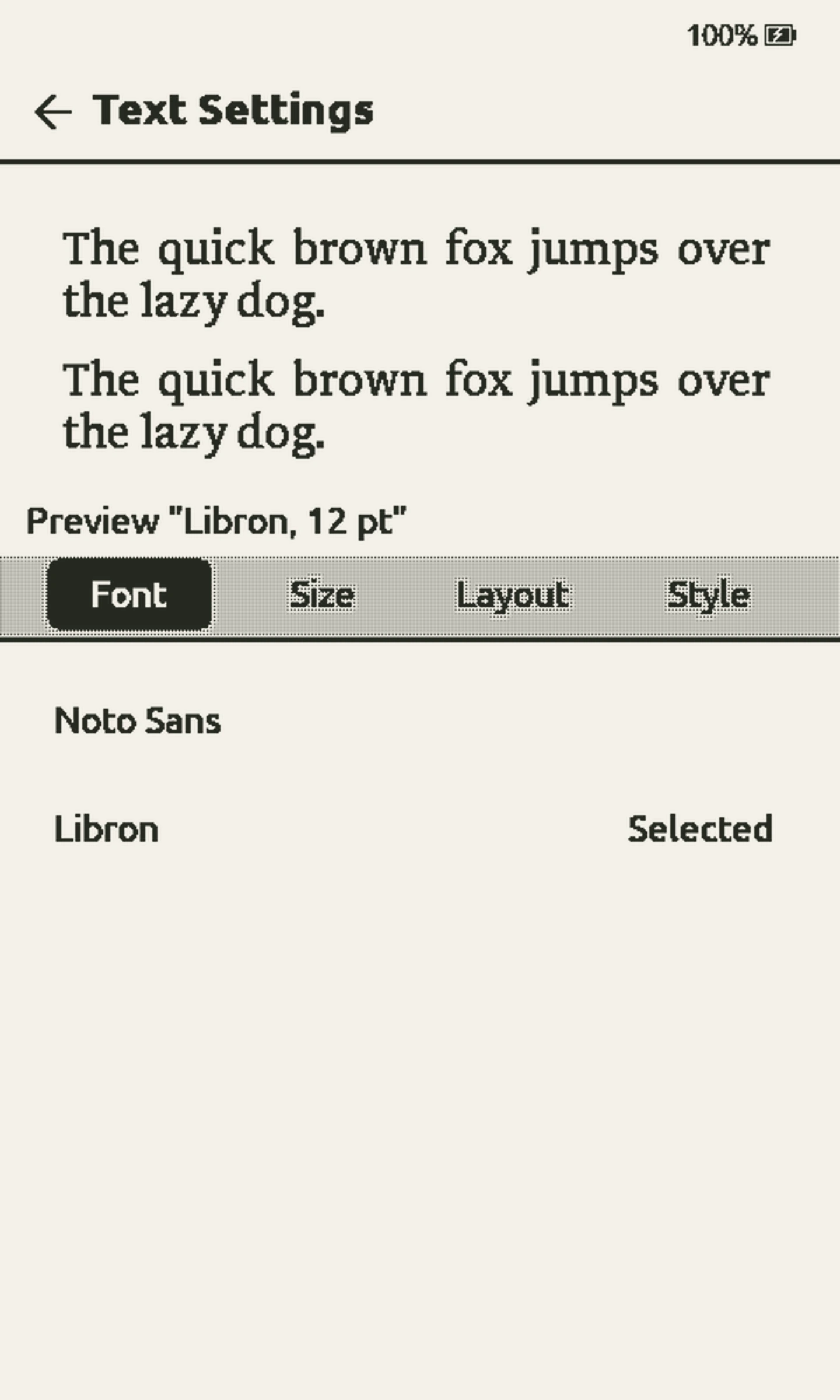
Custom fonts and page layout
Choose your typeface, size, margins, and line, word, and letter spacing. Convert a font you own with our font builder, or load TrueType fonts directly on readers with external RAM.
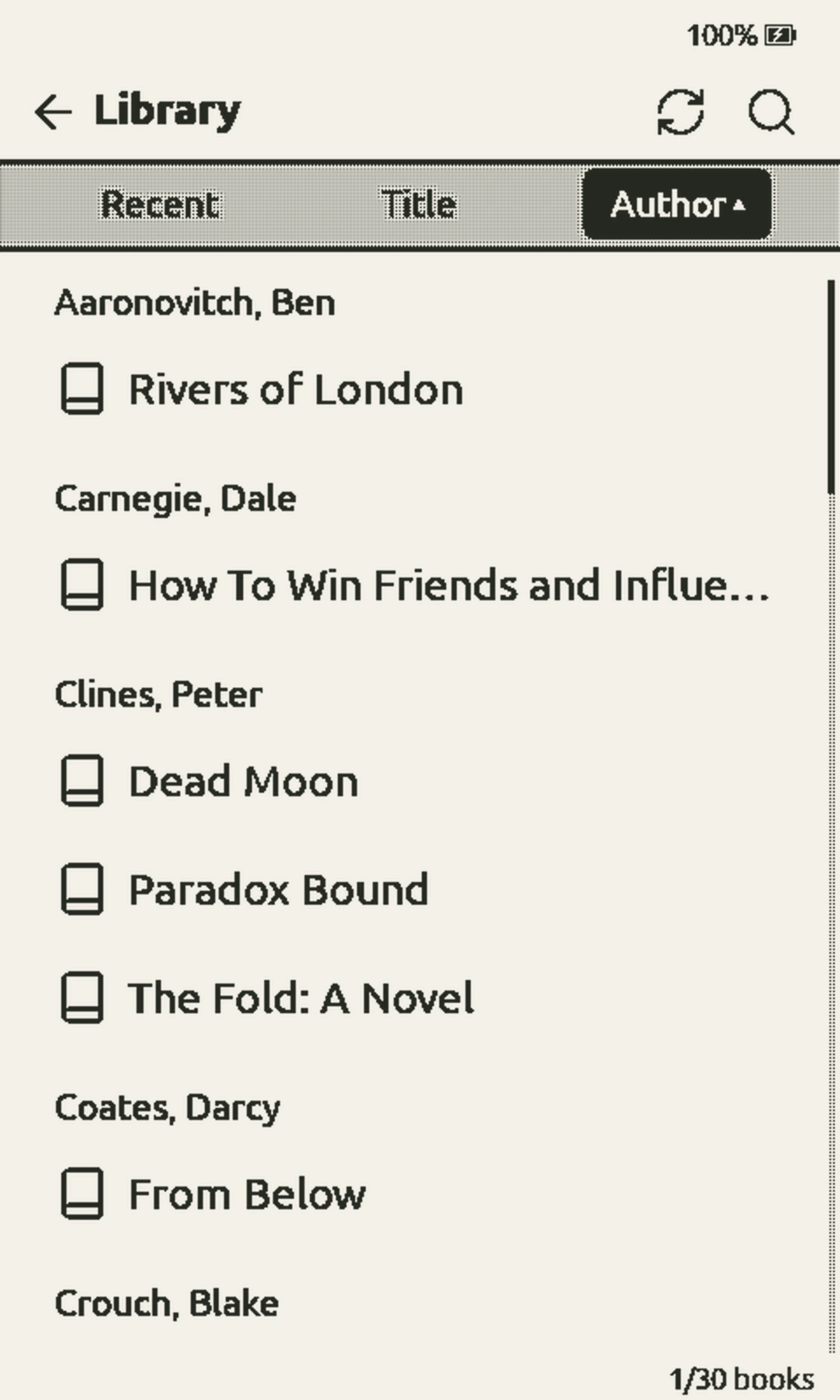
Library search and sorting
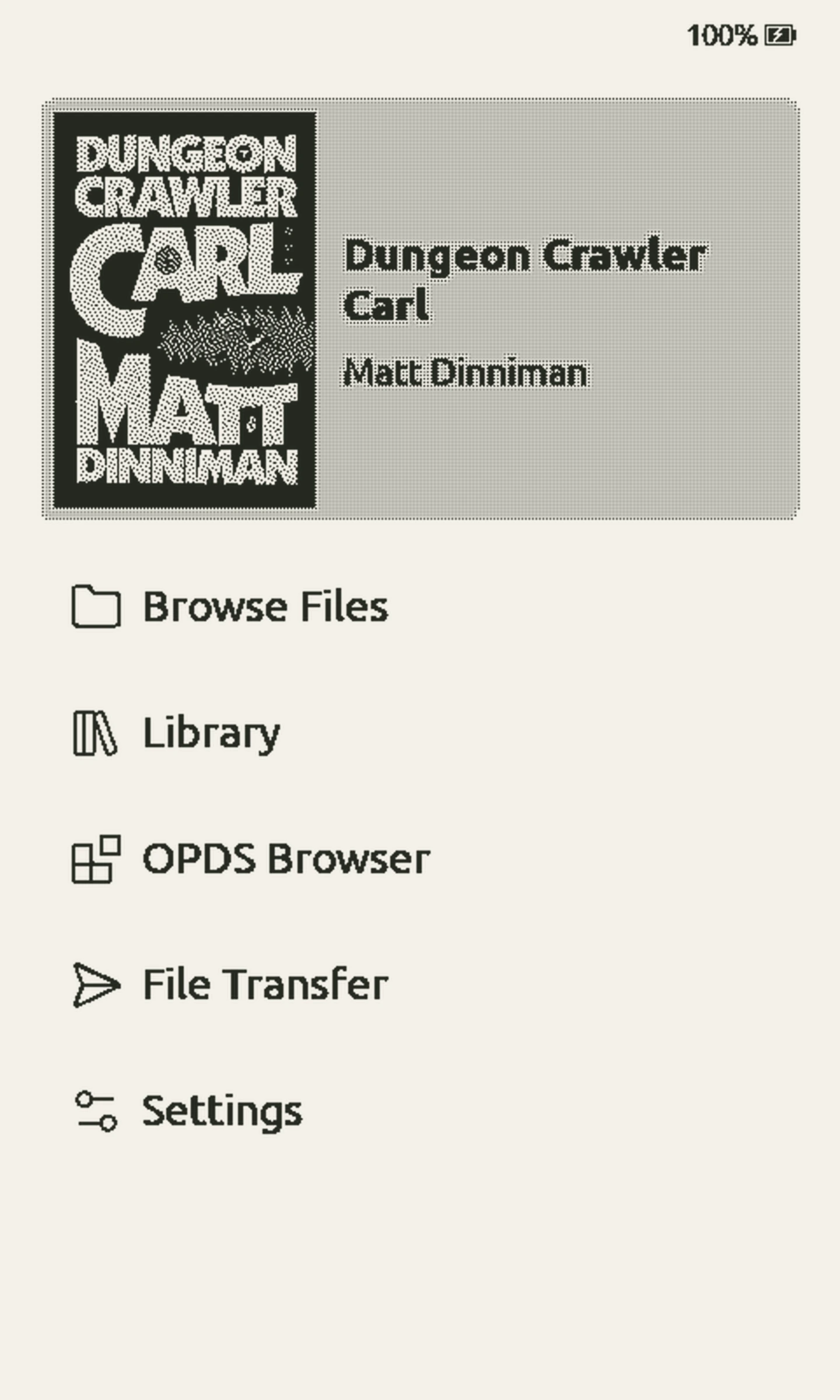
Browse every book on your SD card. Search by title or author, and sort by recent reads, title, or author.
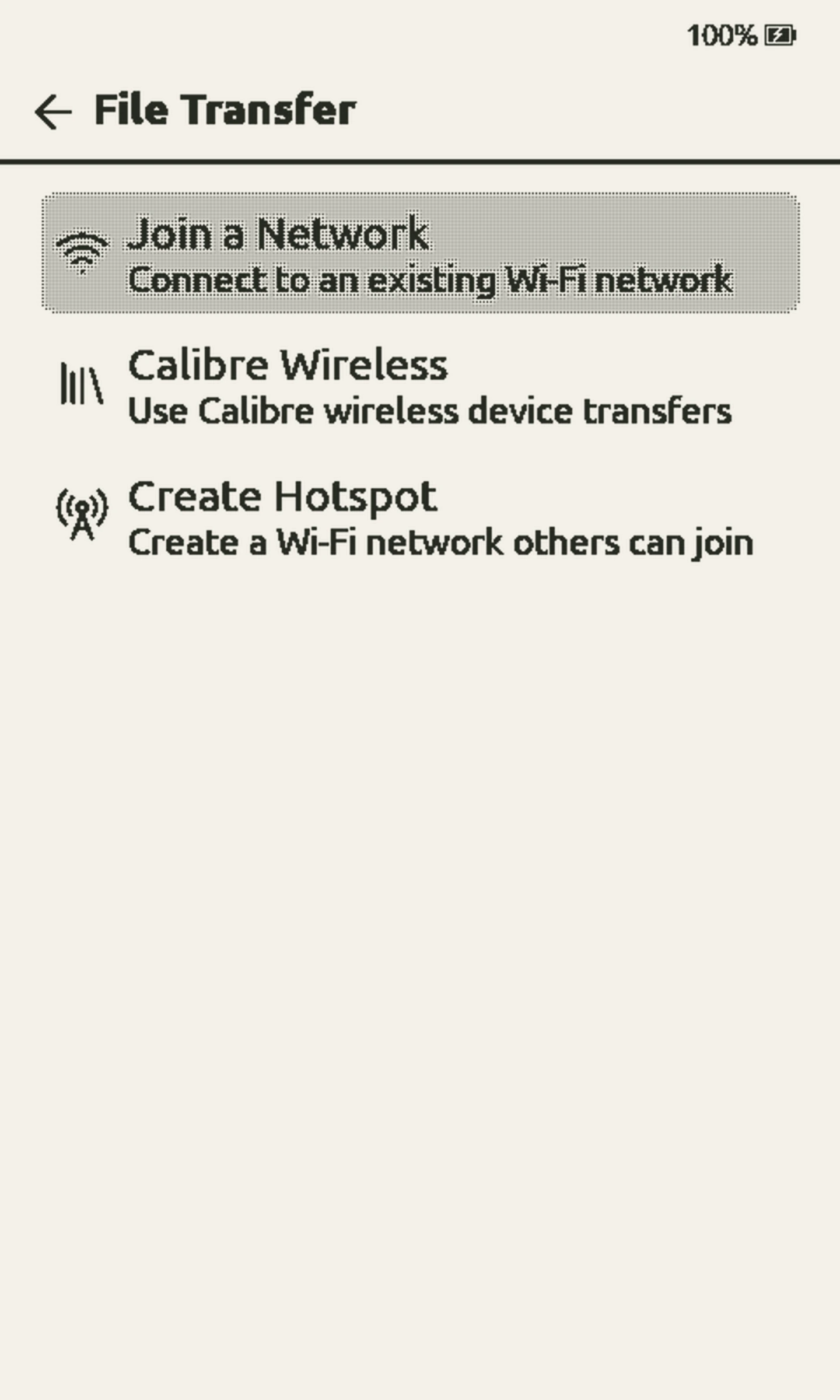
Wi-Fi transfers, Calibre, and OPDS
Drop a book into your browser or send it from Calibre. Browse OPDS and OPDS 2.0 catalogs on the reader. Away from home? Load books through its own Wi-Fi hotspot.
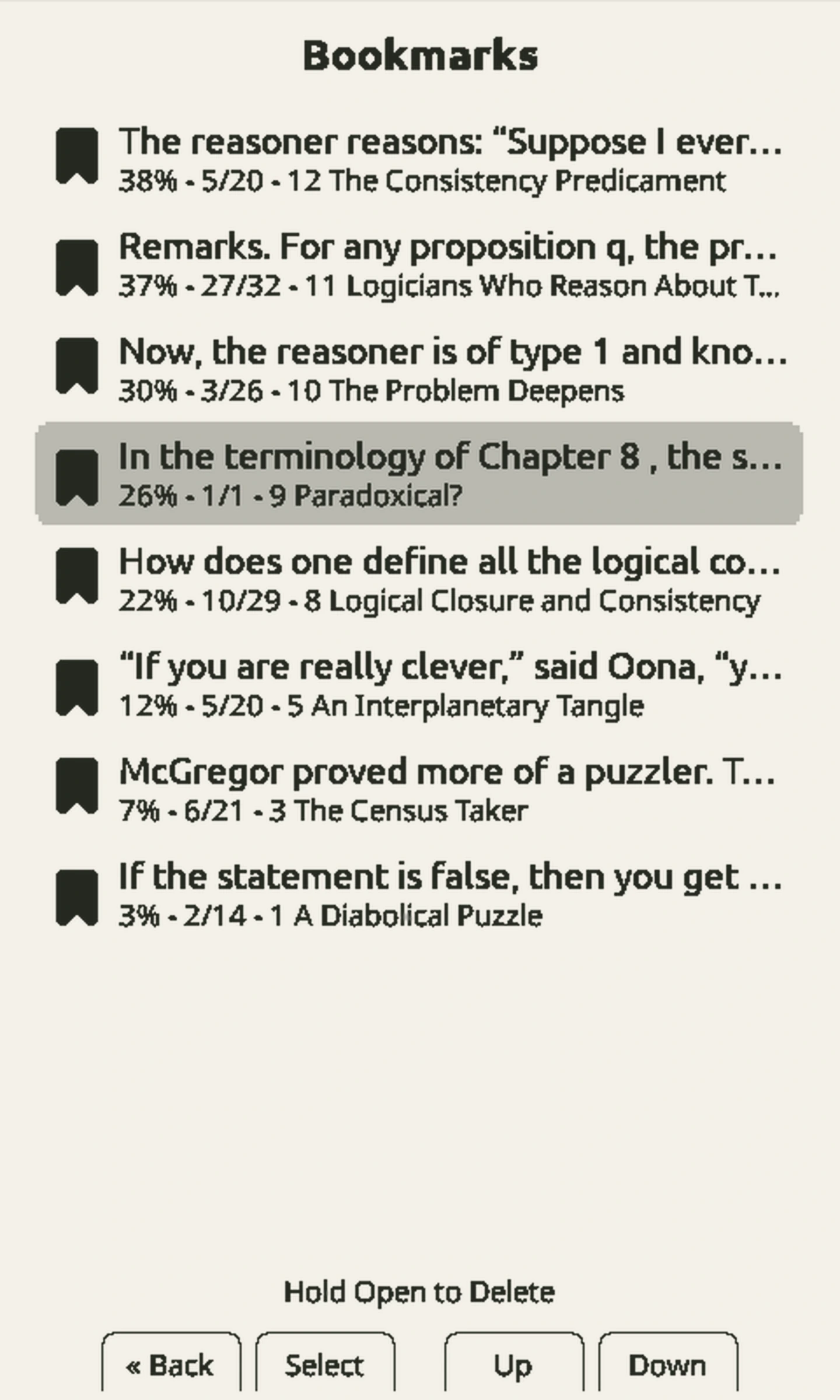
Highlights, bookmarks, and reading sync
Highlight a passage, save a clipping, or name a bookmark. Quick Resume takes you straight back into your book, and KOReader sync keeps your place across devices.
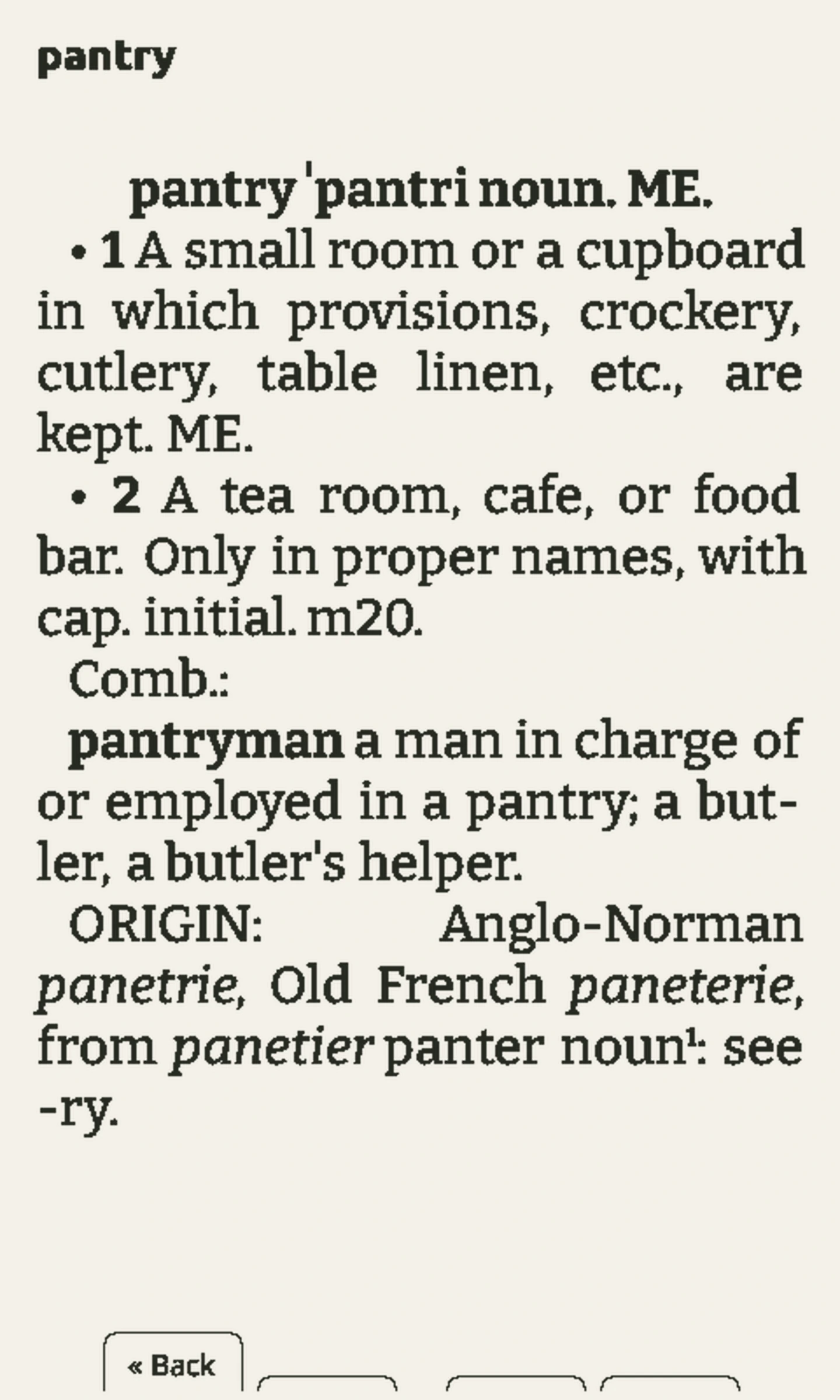
Offline dictionaries
Look up a word or a whole phrase without leaving your book. Add a StarDict dictionary and use it offline, wherever you’re reading.
Multilingual and right-to-left text
Community translations, right-to-left text, and hyphenation rules that follow the language of your book. Indic scripts aren’t supported yet.

Focus Reading and page-turn controls
Try Focus Reading for a guided pace. On supported hardware, turn pages with a tilt or set up your own tap and swipe gestures.
SD card plugins
Add book catalogs and download sources with SD card plugins, without reflashing firmware. Use web tools to manage books in your browser and shrink EPUB files with the optimizer.
Free over-the-air updates
Update CrossPoint over Wi-Fi for free on supported devices. BOOX Picco updates use USB. Follow development on the roadmap, suggest changes, or try new features in nightly builds.
Bluetooth page turners
Pair a compatible Bluetooth remote to turn pages without touching your reader. Assign short and long presses to page turns, chapter navigation, the reader menu, or clipping selection.
Pair your remote in Settings → Connectivity → Bluetooth Page Turner, then choose what each button does.

Made by peoplewho actually use it.
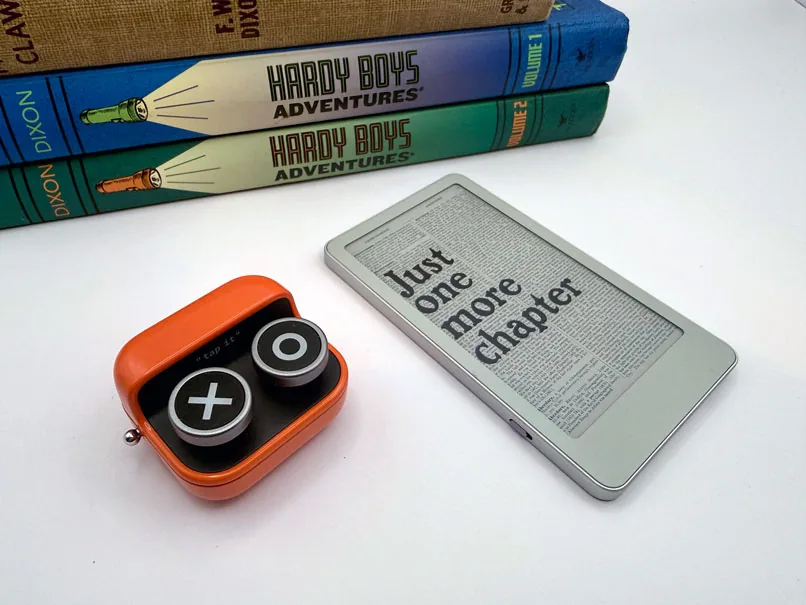
CrossPoint grows through bug reports, translations, code, and conversations about what would make reading better. There’s room for you here.
Find the readerthat fits your pocket.
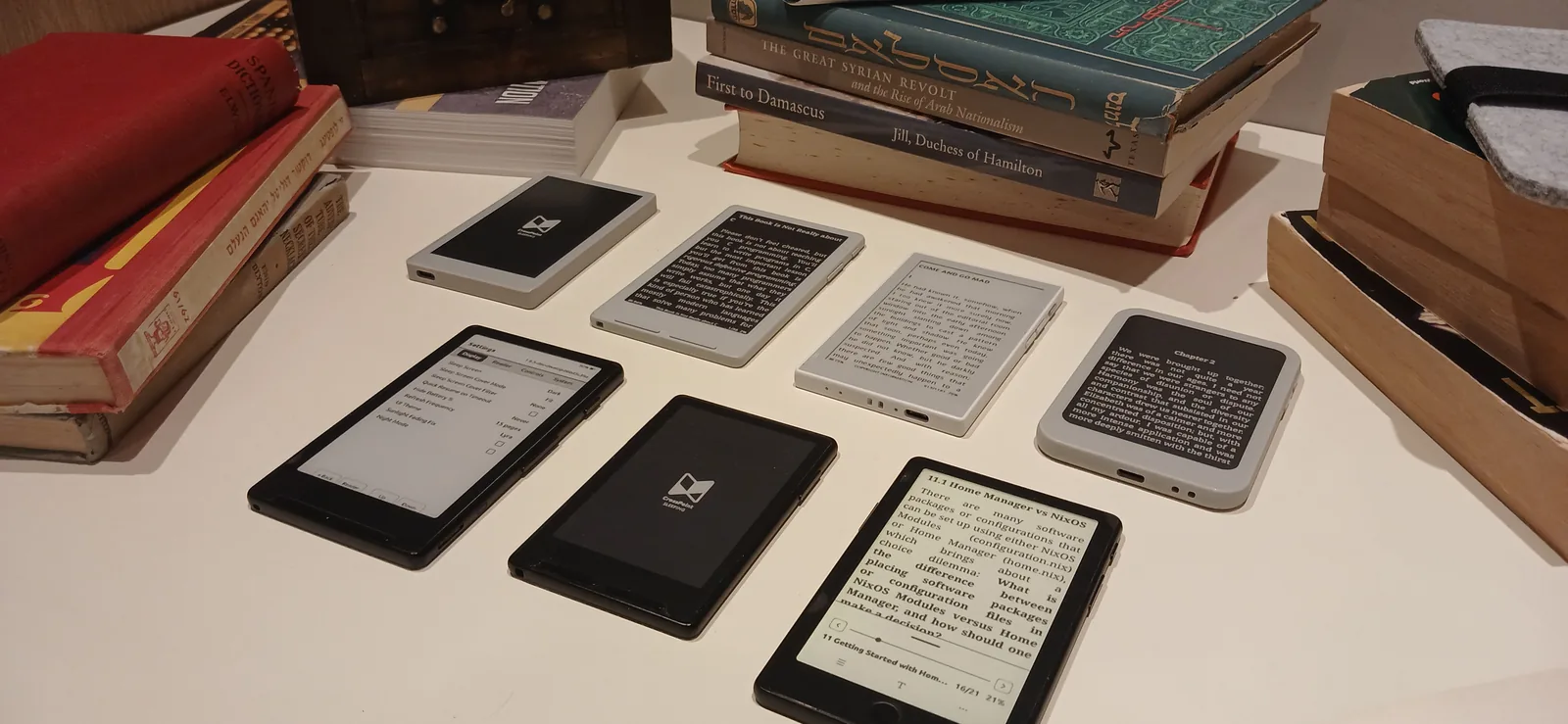
Find an e-reader you’ll want to take everywhere. Make it yours with CrossPoint, our free, open source reading software.
“reTerminal Sticky is built open — CrossPoint was the perfect fit for us since day 1.”

“The excellent CrossPoint Reader alternative firmware was the X4’s saving grace”
“CrossPoint is unquestionably superior to the OS that ships with the device”
CrossPoint Sync
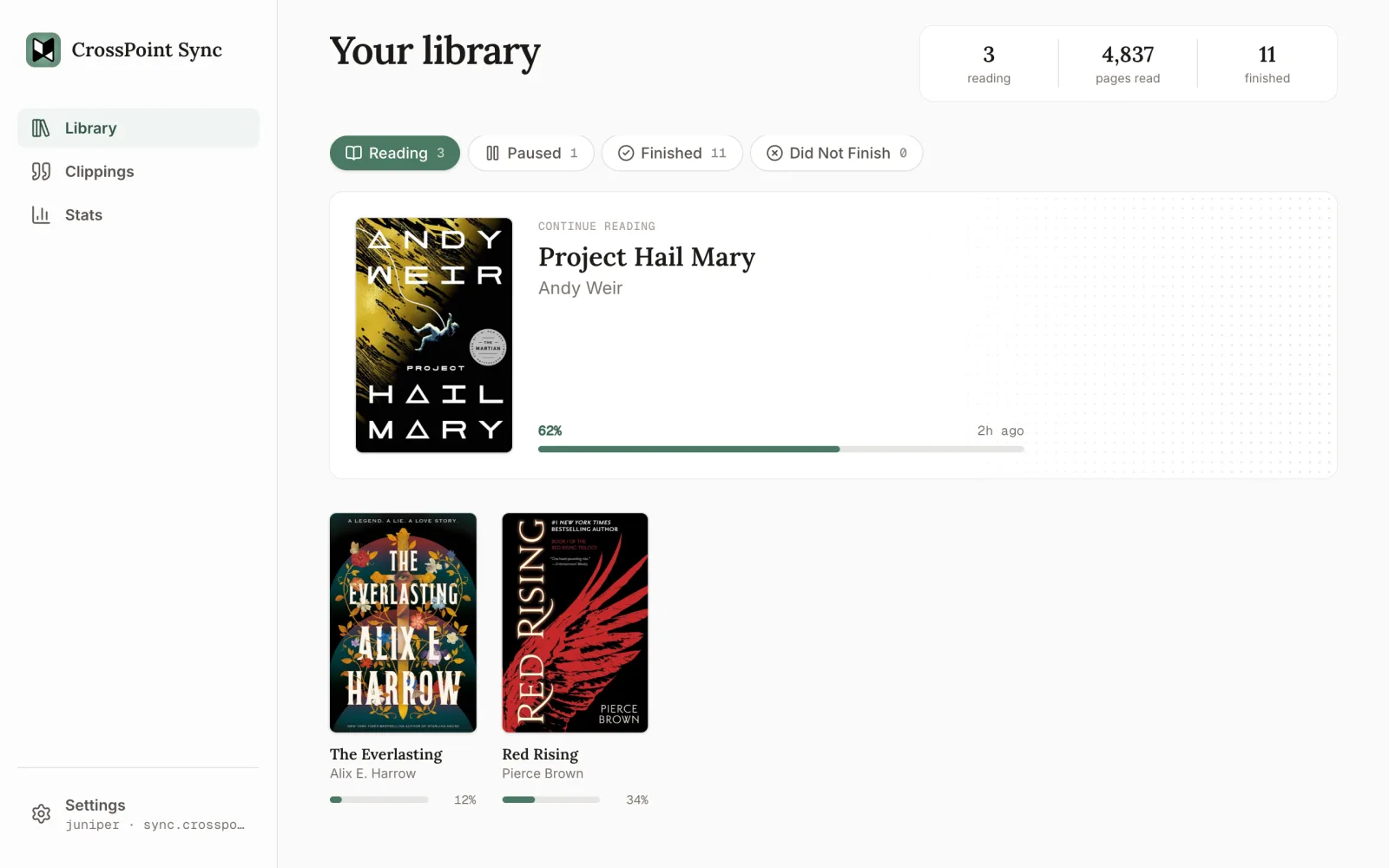
Reading progress across devices
Keep your place across CrossPoint and KOReader devices. View your current books, finished reads, and reading stats in the app.
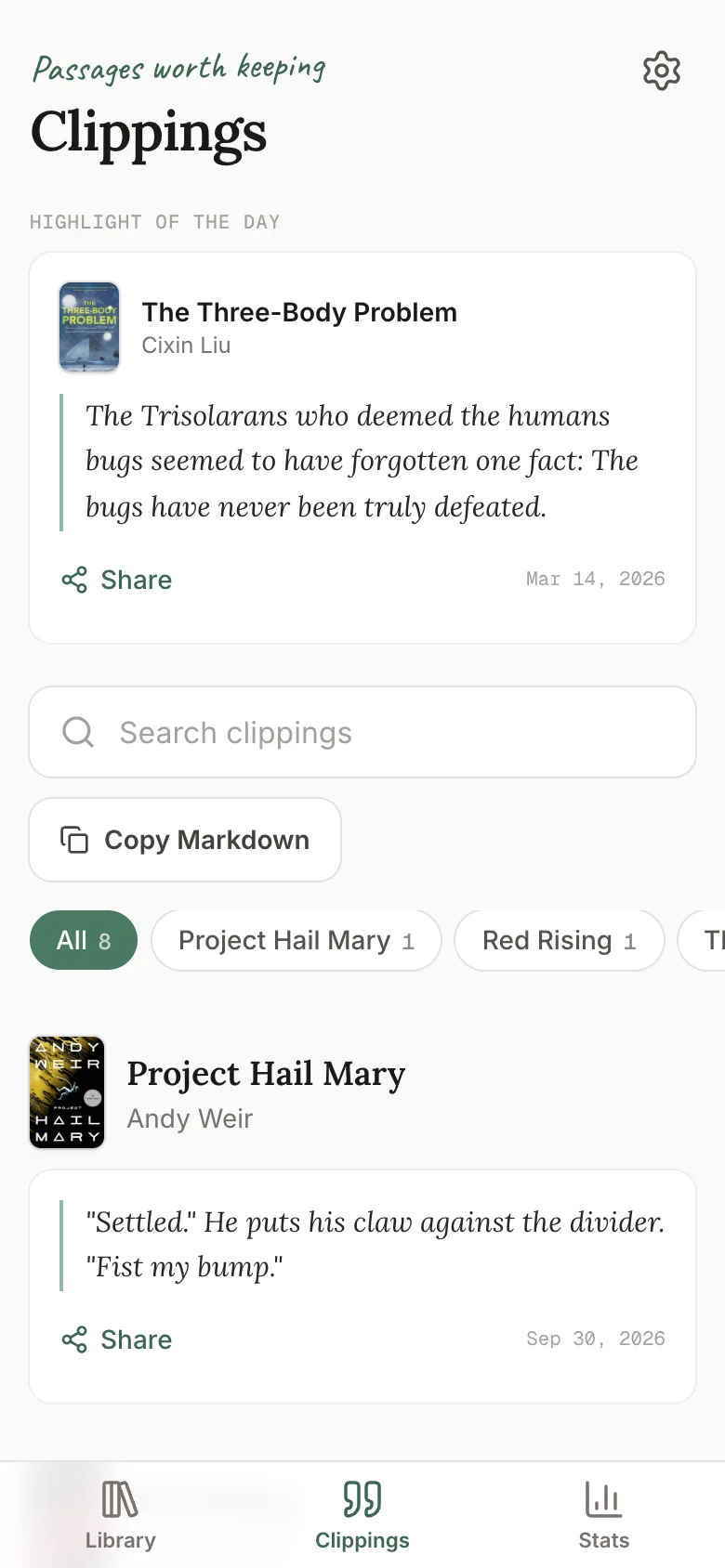
Search and share highlights
Find saved passages across your books, copy clippings as Markdown, or share a passage as an image.
Connect your reading services
Update your shelves and progress on Hardcover, send highlights to Readwise, or sync your place with BookFusion and Audiobookshelf.