 Newshot
Translation(model translation, not the source's own text)
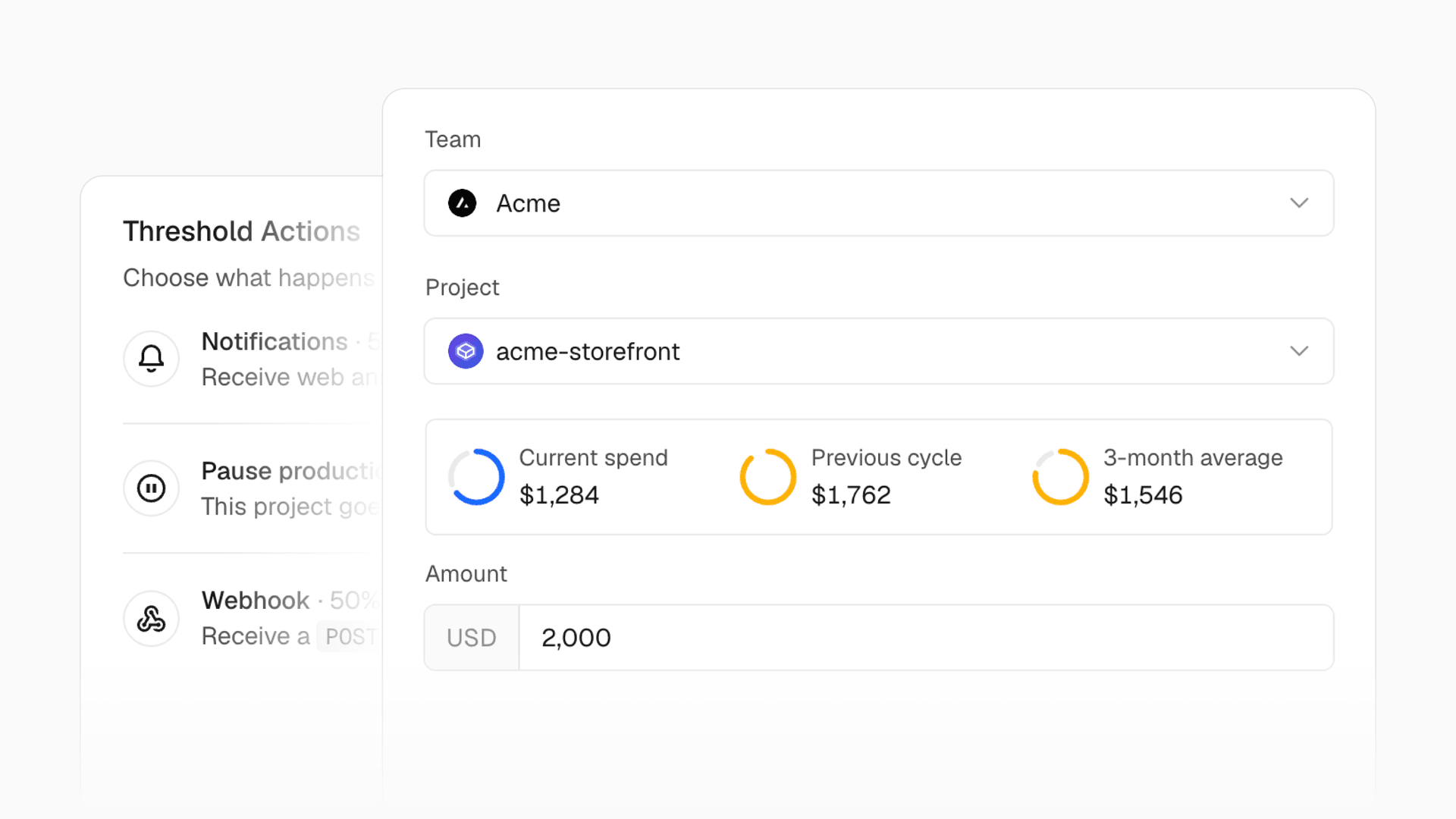
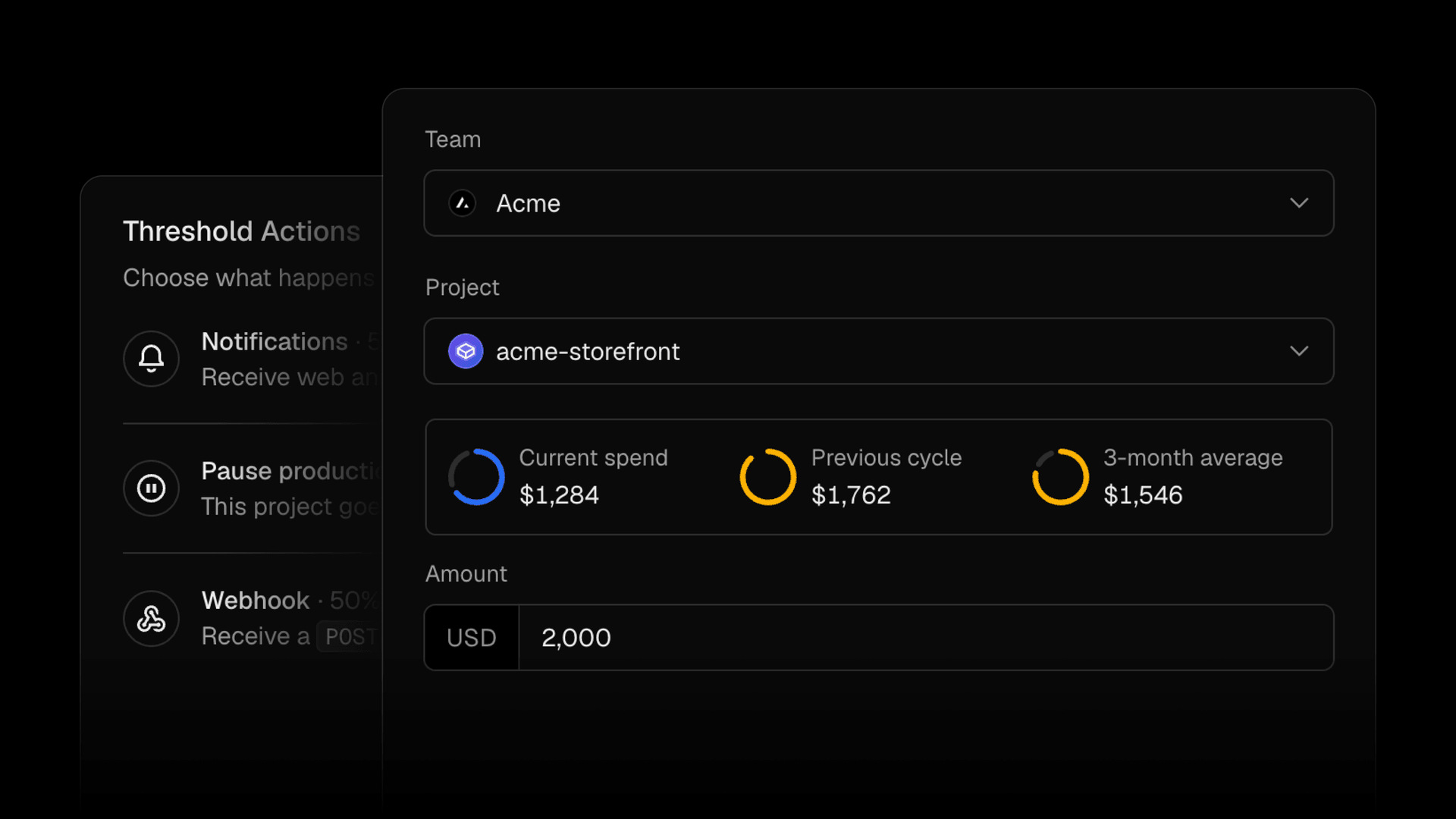
Spend Management 现支持为单个项目和产品设置预算,与现有的团队预算并存。
- 项目预算:跟踪单个项目的支出,并可在预算达到上限时选择暂停其生产部署,而不会暂停其他项目。
- 产品预算:跟踪你的团队在某一产品(例如 Fast Data Transfer)上的支出。
只有团队预算和项目预算支持自动暂停生产部署。
打开新的 Spend Management 页面即可管理预算、查看当前计费周期的支出,以及了解已达到哪些阈值。Vercel 会在每个预算达到 50%、75% 和 100% 时发送通知。
你也可以通过 Vercel CLI 管理预算:
        # List budgetsvercel billing budgets list
# Set a $100 project budget and pause production deployments at 100%vercel billing budgets set --project my-app --amount 100 --pause
# Set a $50 product budgetvercel billing budgets set --product "Fast Data Transfer" --amount 50
使用 Vercel CLI 列出预算并设置项目或产品预算。
Spend Management 对 Pro 团队和采用 Flexible Commitment 计划的 Enterprise 团队免费提供。参与 Organizations 私有测试版的客户还可以为其组织内的所有团队设置预算。
在 Spend Management 文档中了解更多。
Reference Architecture
选择一个技术栈,并梳理其背后的决策,借助精选的文档、指南、模板和课程来帮助你构建。
- Agent stack:使用模型、工具和持久工作流来构建和运行 agent。
- Web applications:选择渲染、数据、身份验证和缓存方案。
- Backends:选择运行时、连接服务并运行后台任务。
浏览所有技术栈
Build with prompts
使用可直接用于你的编码 agent 的提示词,构建应用、扩展 agent 或改进你的项目。
浏览提示词库 · 阅读 Markdown 索引