 Newshot
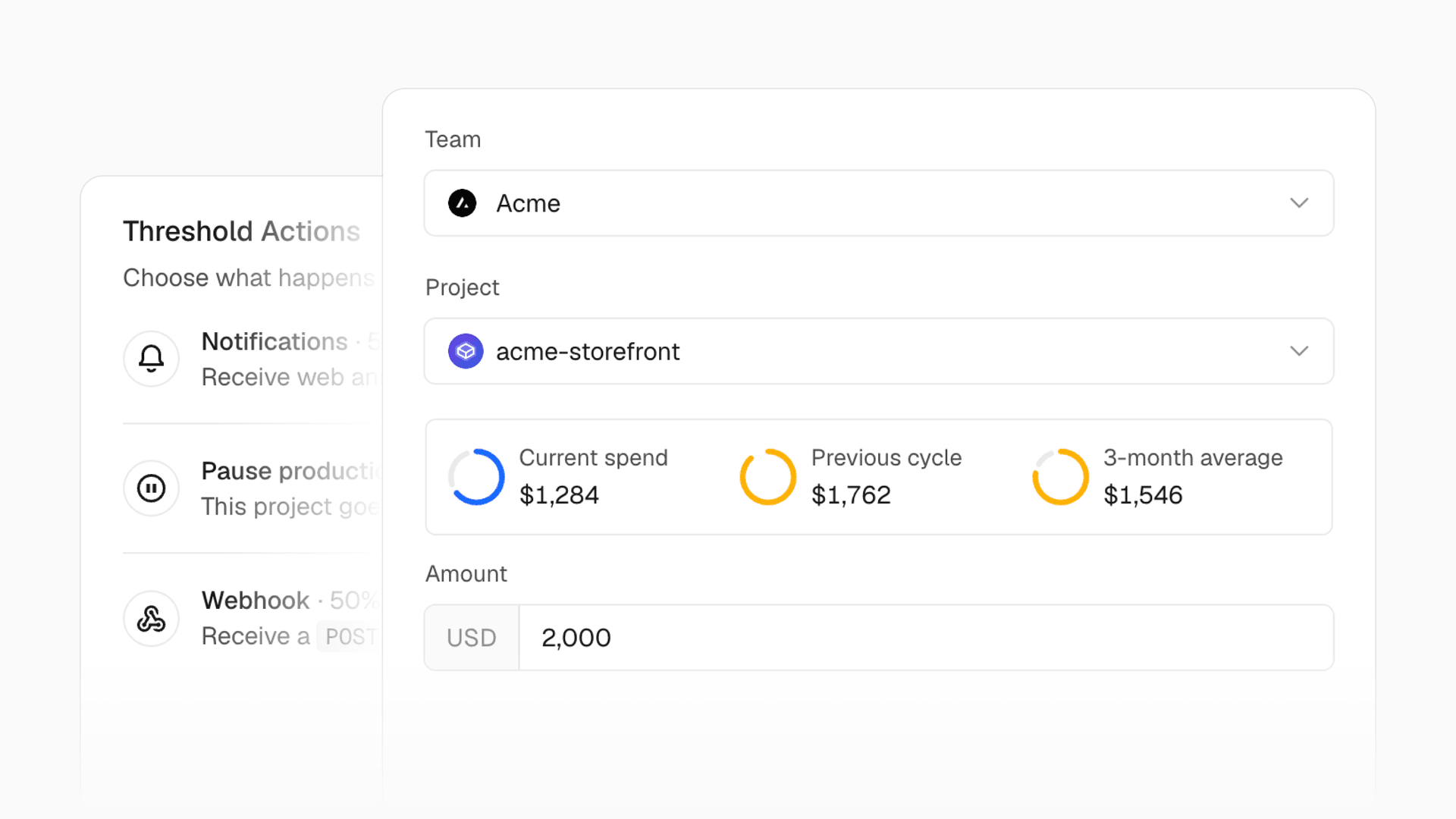
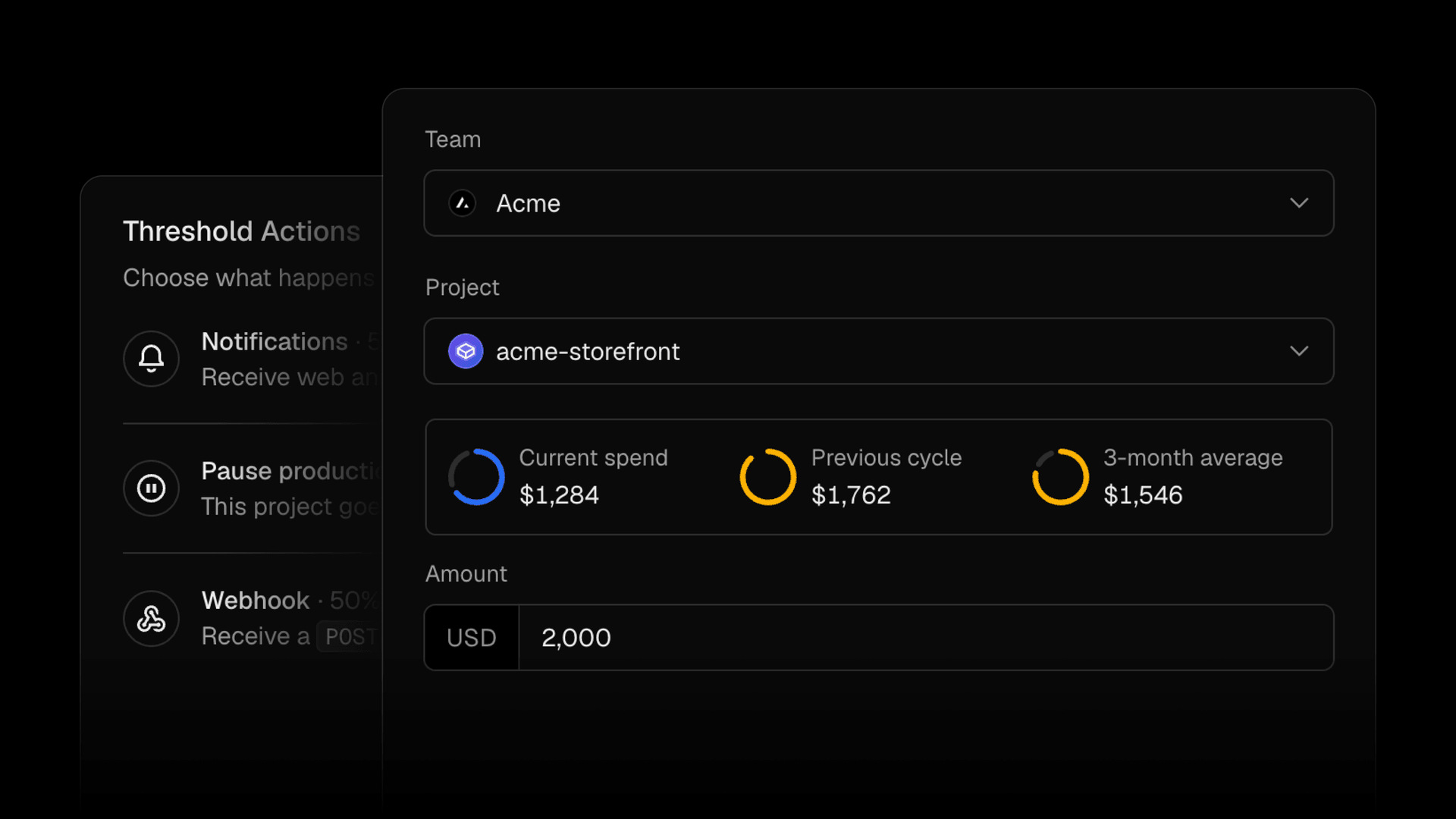
Spend Management now supports budgets for individual projects and products, alongside existing team budgets.
- Project budgets: Track spend for one project and optionally pause its production deployments when the budget is reached, without pausing other projects.
- Product budgets: Track spend on one product, such as Fast Data Transfer, across your team.
Only team and project budgets support automatic pausing of production deployments.
Open the new Spend Management page to manage budgets, view spend for the current billing cycle, and see which thresholds have been reached. Vercel sends notifications at 50%, 75%, and 100% of each budget.
You can also manage budgets with the Vercel CLI:
        # List budgetsvercel billing budgets list
# Set a $100 project budget and pause production deployments at 100%vercel billing budgets set --project my-app --amount 100 --pause
# Set a $50 product budgetvercel billing budgets set --product "Fast Data Transfer" --amount 50
List budgets and set project or product budgets with the Vercel CLI.
Spend Management is included at no additional cost for Pro teams and Enterprise teams on Flexible Commitment plans. Customers in the Organizations private beta can also set a budget across all teams in their organization.
Learn more in the Spend Management documentation.
Reference Architecture
Choose a stack and work through the decisions behind it, with curated documentation, guides, templates, and courses to help you build.
- Agent stack: Build and operate agents with models, tools, and durable workflows.
- Web applications: Choose rendering, data, authentication, and caching approaches.
- Backends: Choose a runtime, connect services, and run background work.
Browse all stacks
Build with prompts
Build an app, extend an agent, or improve your project with ready-to-use prompts for your coding agent.
Browse the prompt library · Read the Markdown index