 Newshot
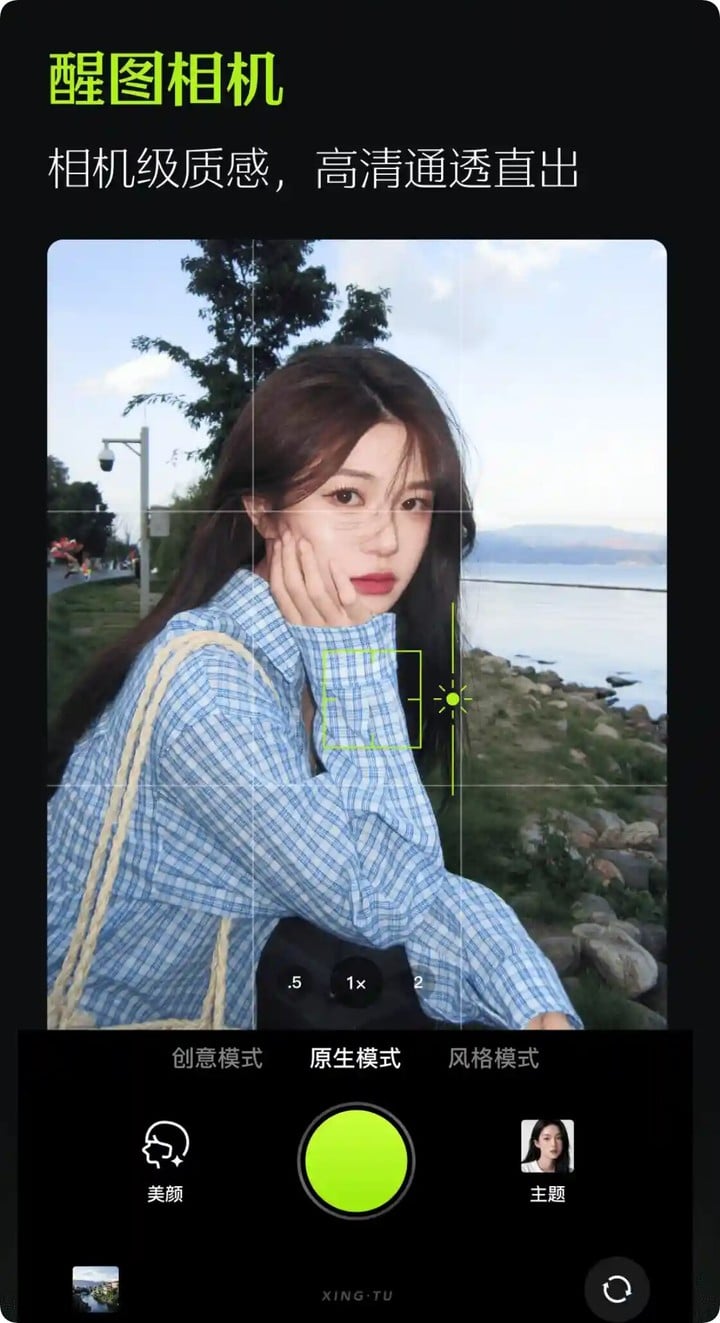
HarmonyOS version of 醒图 launches: AI photo editing that "doesn't burn your heart"
2026-11-23 14:07
Recently, a new version of 醒图 for HarmonyOS launched. In the update log, a playful line from the editor—"doesn't burn your heart"—made many netizens laugh and check in at the comments section. "For your update log alone, I have to give you five stars, 醒图," "The new version intro also keeps up with the trend, 醒图," "A breath of fresh air in the era, using it doesn't burn your heart," "Good good good, adapting actively, easy to use and love to use"... So let's see what features in the updated 醒图 make people love it so much?

Bad shots in your camera roll can still be salvaged with AI
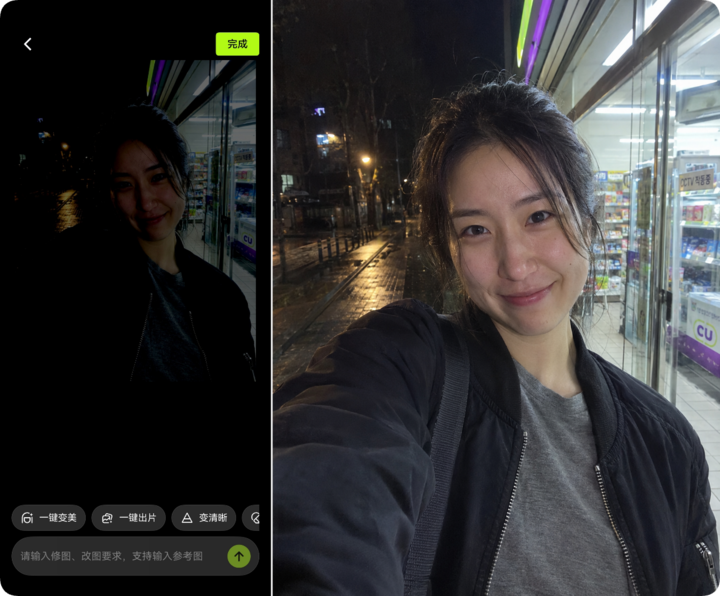
You took a photo at a night market with a perfect expression, and only when you got home did you realize your face was almost buried in the shadows. To salvage this one, open "Smart Retouch" and try "One-Tap Beauty" or "One-Tap Ready." 醒图 will automatically adjust the style and composition and also take care of details like hair and skin. That photo you originally only dared to look at yourself can, after retouching, also go into a nine-grid post.
The same night scene can feel different with a change of light. If you want your street shot to have more of a direct-flash snapshot feel, try "Camera Direct Flash." For the one where you clink glasses with a friend under warm lights, you can use "Warm Metering" to follow the warm tones on site. There are also effects like "Fuji Flash" to choose from; switch among several lighting looks, and keep whichever one catches your eye.
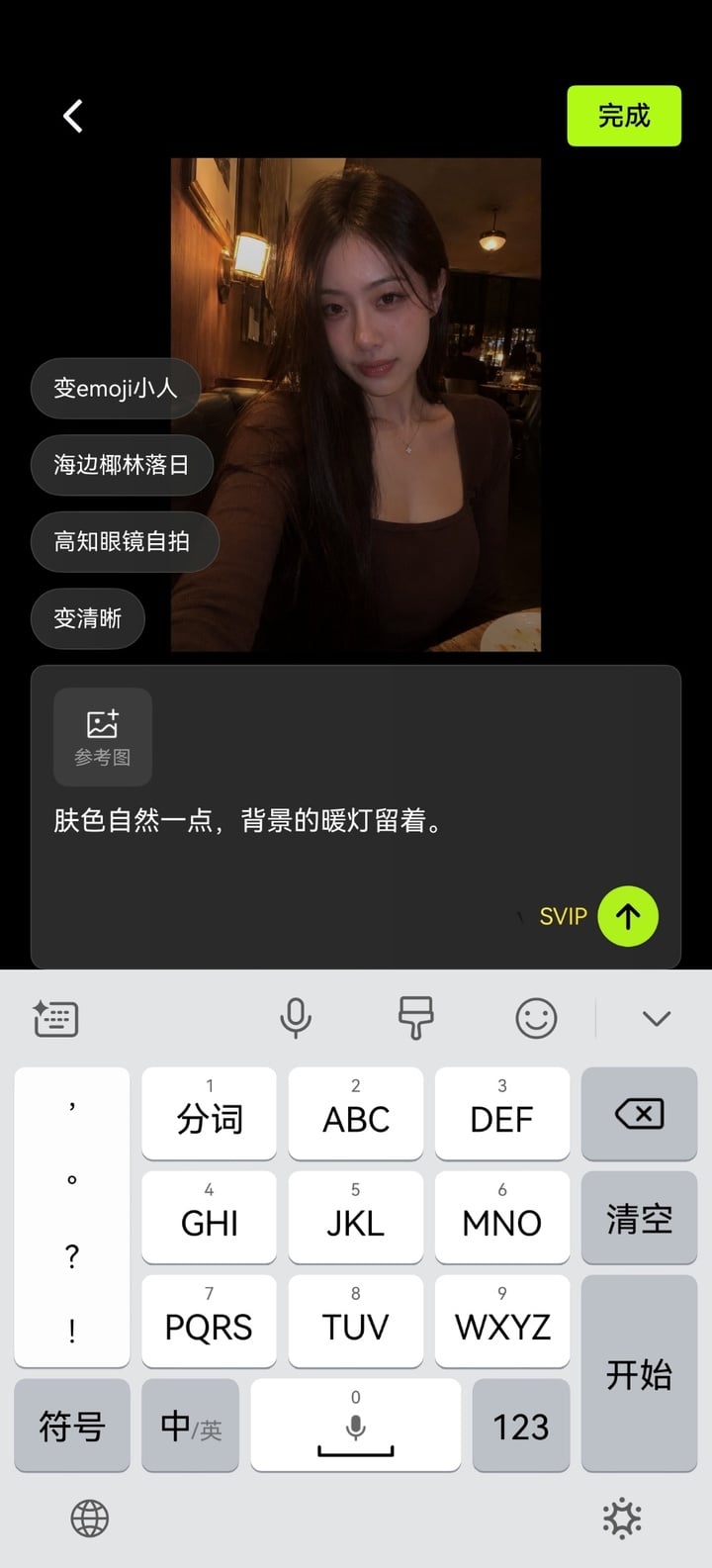
If you already have the effect you want in mind, you can use "AI Chat Retouch." For example, if streetlights make a face look yellow, type "Make the skin tone more natural, keep the warm lights in the background," and 醒图 will adjust the portrait and image based on that sentence. If you want to add a vintage feel to a street scene shot during the day, you can also just say "Make the colors lighter, keep a bit of film feel." Say it to 醒图 the way you'd normally tell a friend "Help me adjust this one"—say whatever you want to change.
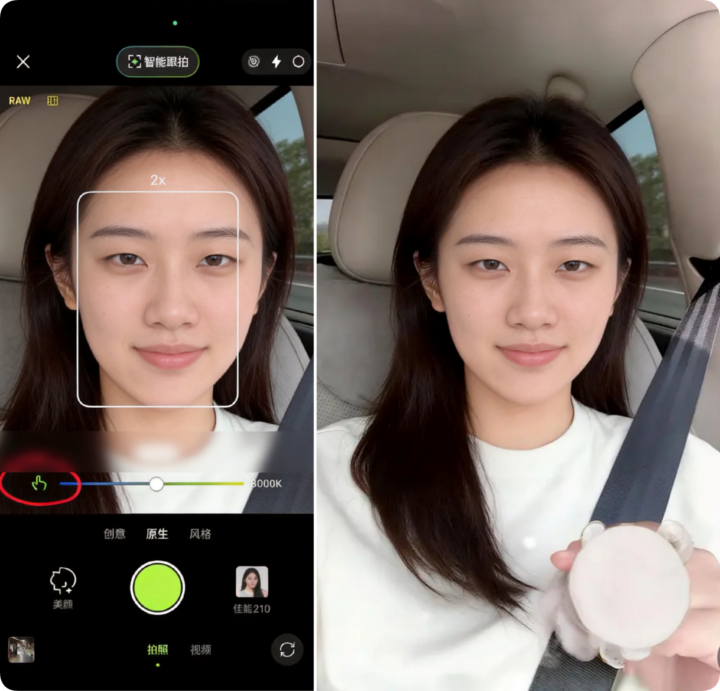
Old photos in your camera roll can be retouched slowly, and new photos can also be taken directly in 醒图. "Camera" has modes such as Creative, Native, and Style. On a sunny day, when you come across beautiful light on the street, Native mode can preserve the colors and texture of the scene. If you want to shoot a set of photos with consistent tone, switch to Style mode and preview the filter effect while framing. You'll know before you press the shutter whether the outfit you specially put together today matches the tones in the filter.
Have you seen that set of cool-toned photos from Sydney station? If you want to try the same look, you can select the "Sigma BF" filter in Style mode. While waiting for a train, take a portrait of a friend on the platform; you can see the cooler tone while framing and get the shot directly when you press the shutter. That photo you originally planned to color-grade slowly at home can be posted while you're waiting for the train.
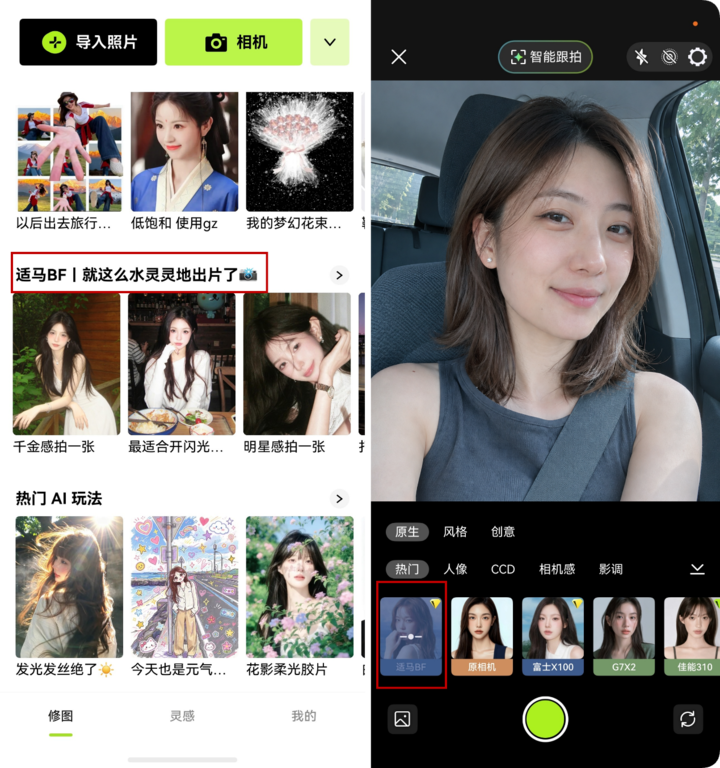
When it's your turn to be in the photo, do you only know how to make a peace sign? "Smart Tracking" recognizes the person's position and movements and gives composition and pose suggestions in the viewfinder. When a friend helps take a full-body photo, you have a reference for how to move the camera and where to stand. Next time you take photos for each other when out, your photo buddy can also say "Just act natural" a few fewer times.
The concert is over, but the photo-sharing has just begun
The venue lights had just come on, and people in the group chat were already spamming "Please share the photos." The fan shots you just took