 Newshot

🌐 语言切换 | Language
English 🇺🇸 | 简体中文 🇨🇳
Snippai: AI-Powered Snipping Tool
Snippai is a versatile and intelligent snipping tool powered by advanced AI algorithms. It offers a range of features to enhance your snipping experience, making it more efficient and productive. From identifying formulas and text within images to analyzing and describing the content of images, Snippai brings a new level of intelligence to snipping tools.
Features
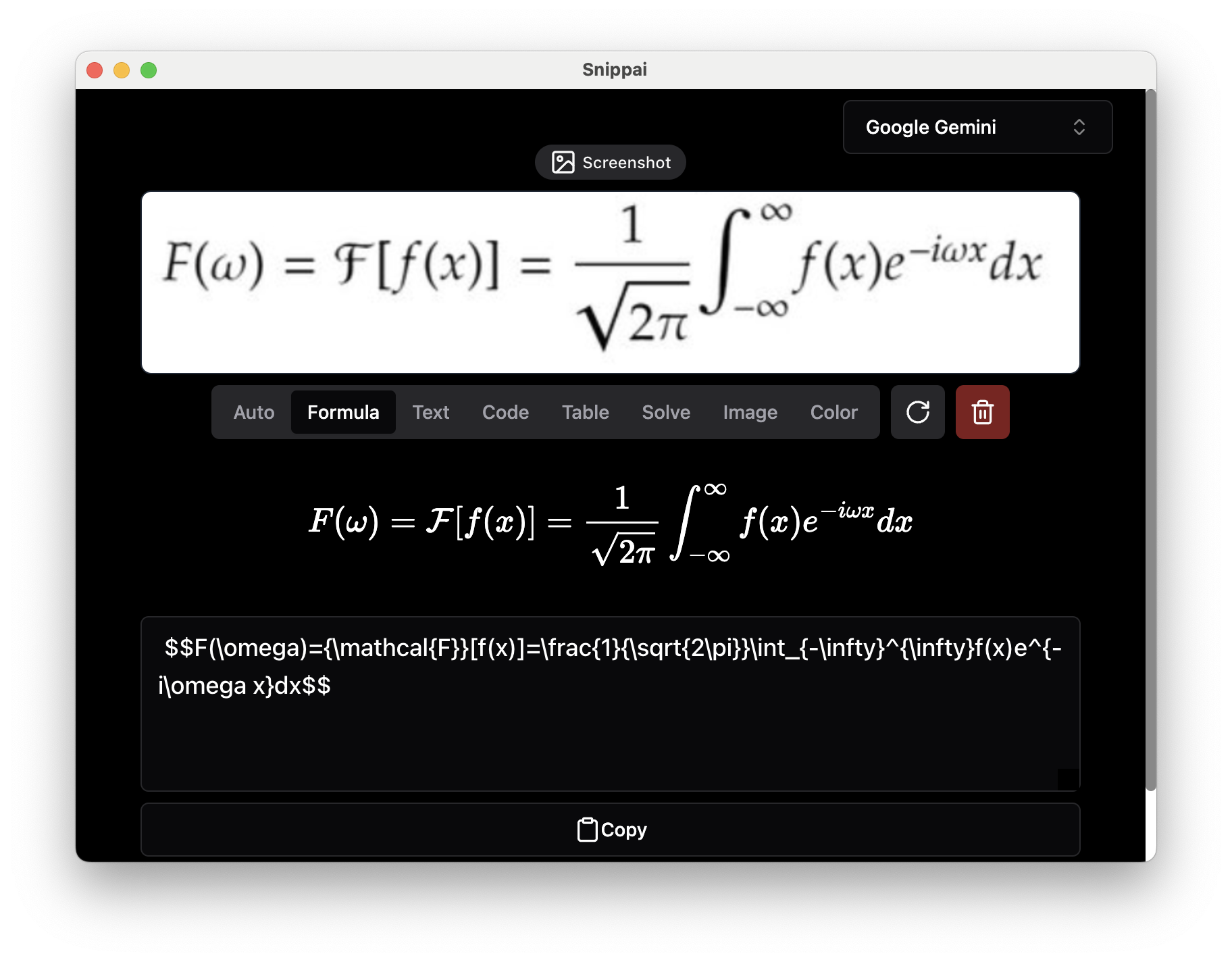
Formula Recognition
Snippai can identify formulas within images and convert them into LaTeX format, making it easier to work with mathematical expressions.
Text Extraction
Accurately recognize and extract text from images, enabling seamless integration of textual content into your workflow.
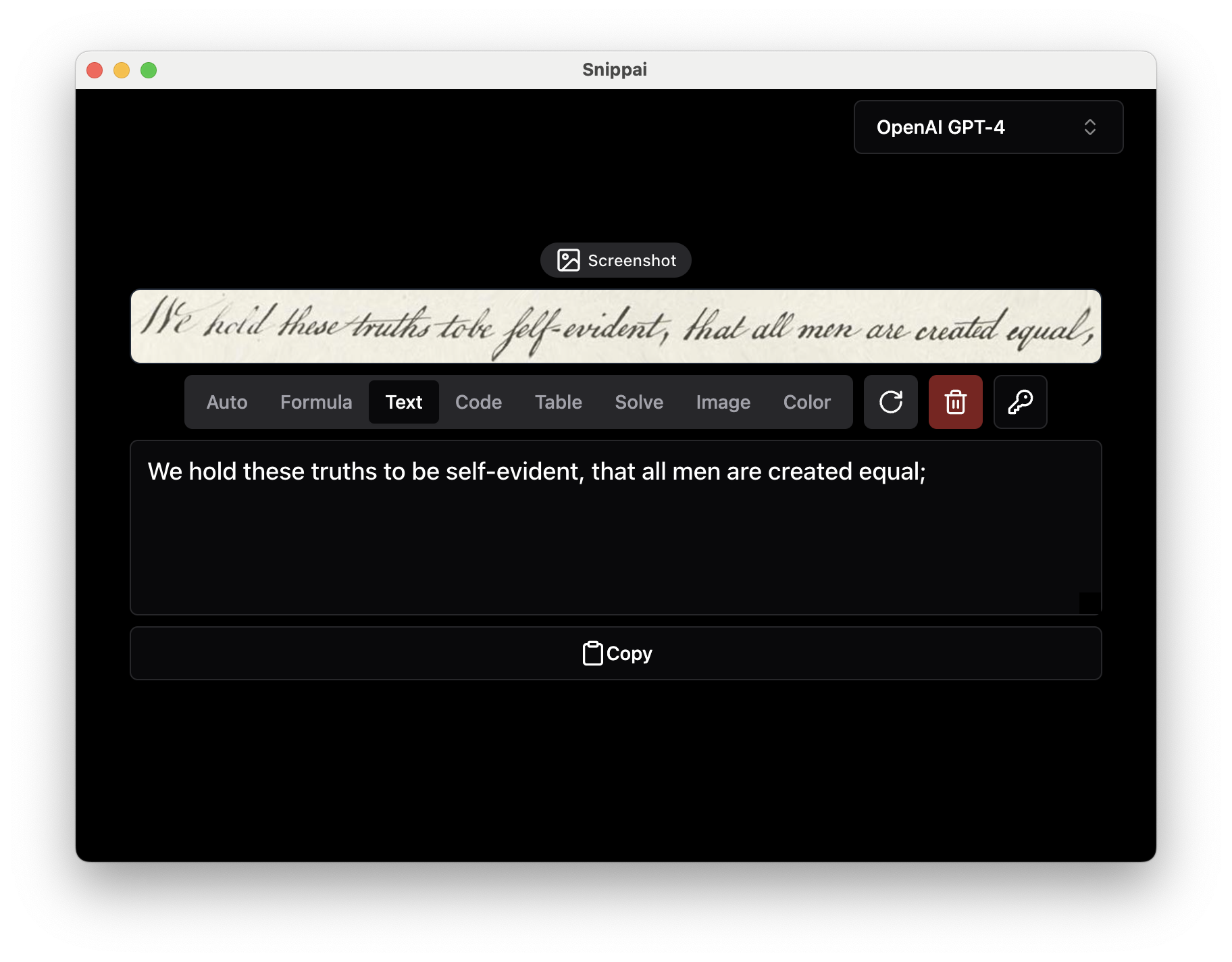
Table Conversion
Identify tables within images and convert them into user-friendly Markdown format, facilitating easier data manipulation and analysis.
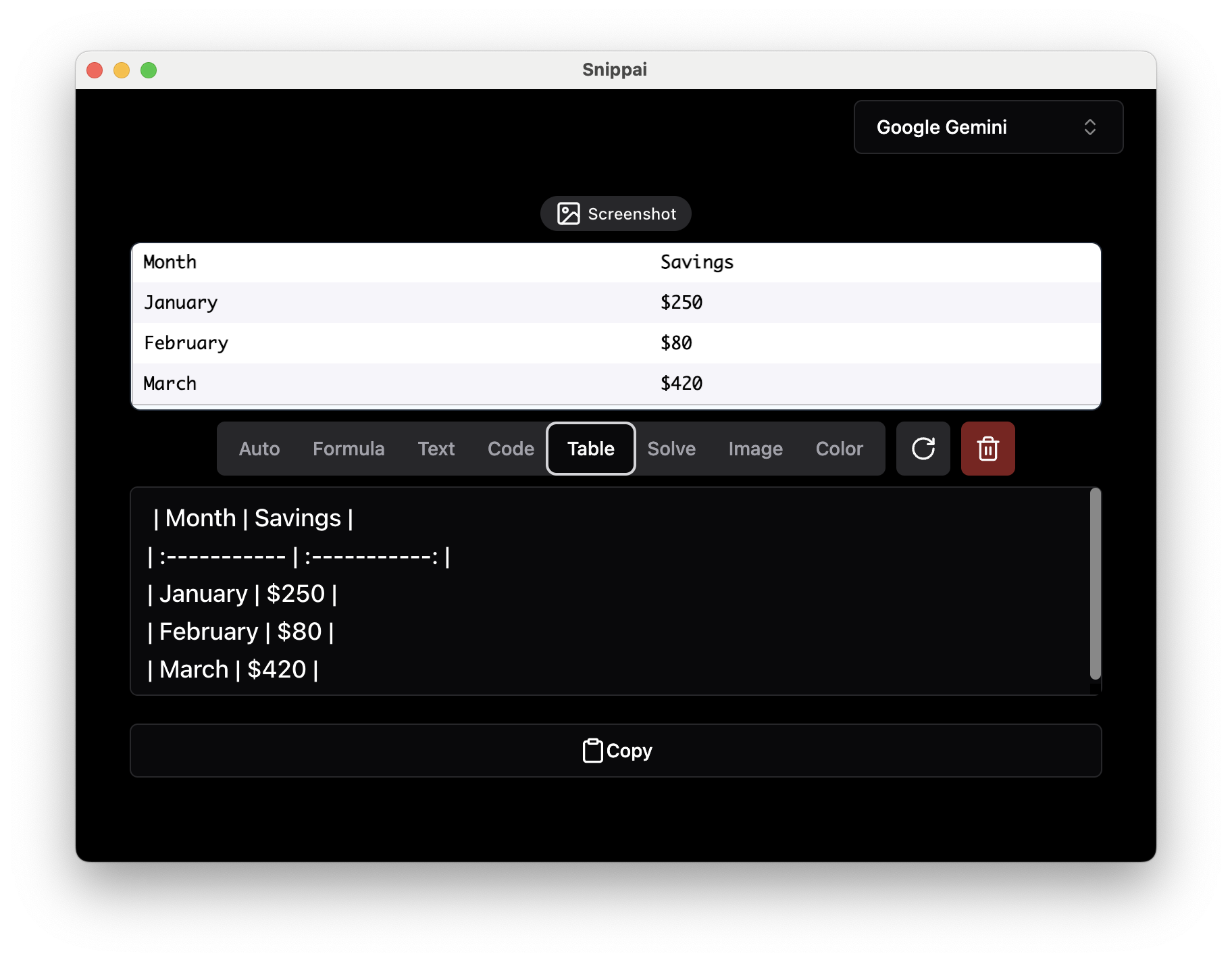
Image Analysis
Analyze and describe the content of an image, providing valuable insights and information about visual elements.
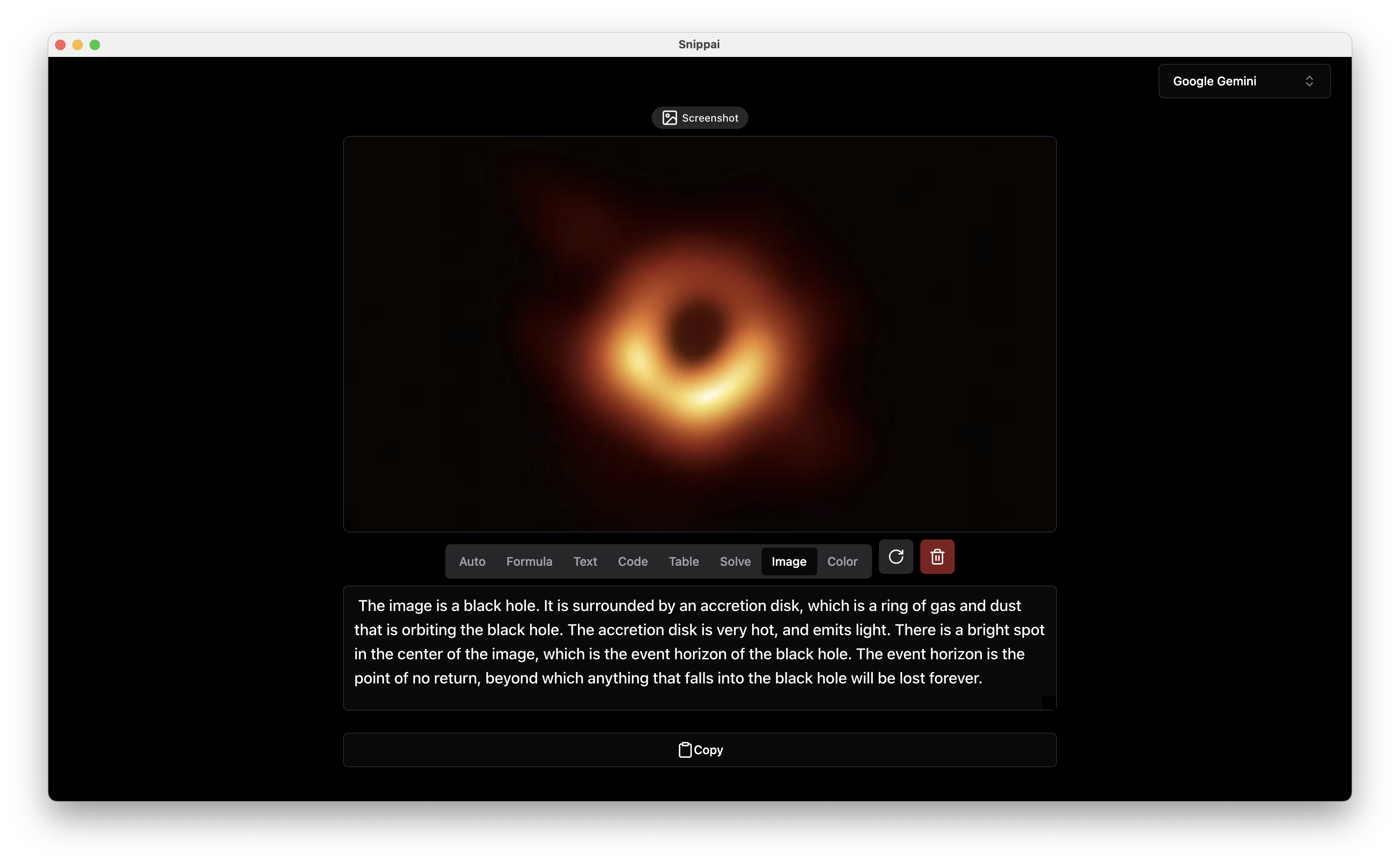
Problem Solving
Solve various problems presented within images, leveraging AI capabilities to assist with tasks such as object recognition and pattern identification.
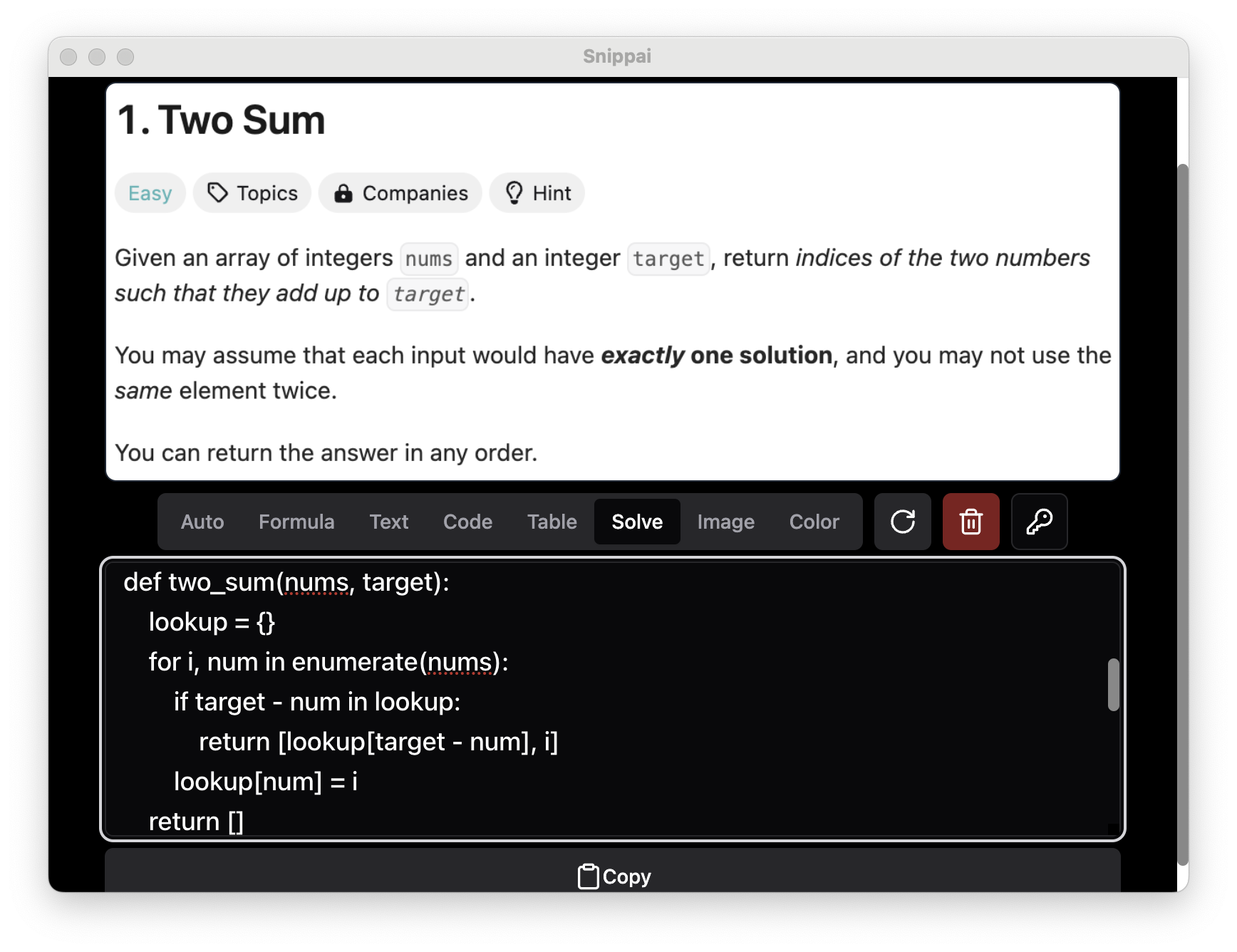
Code Understanding
Understand and explain the functionality of code snippets found in images, helping users comprehend and work with code more effectively.
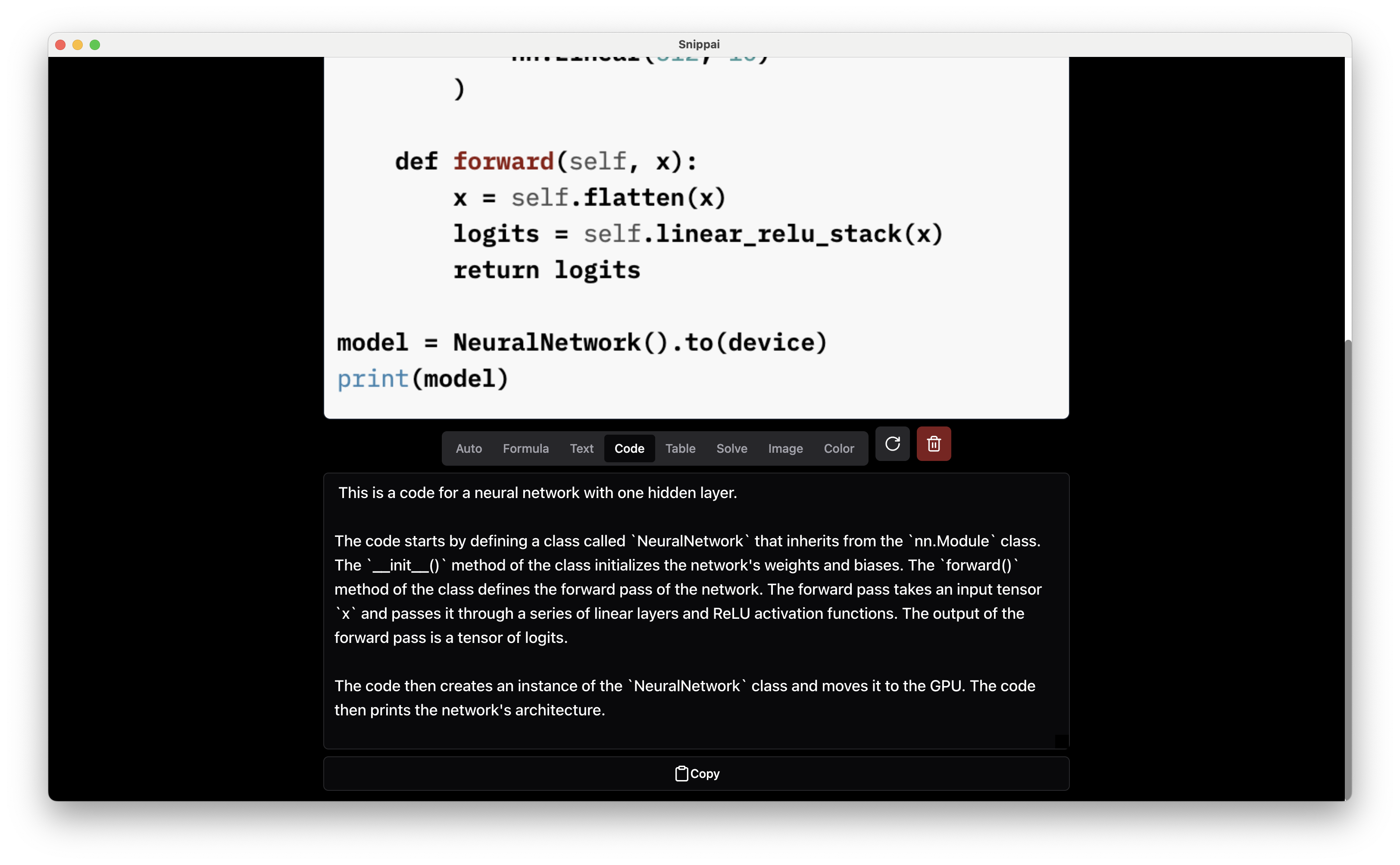
Color Detection
Identify and extract the predominant colors in an image, useful for tasks such as design analysis and image processing.
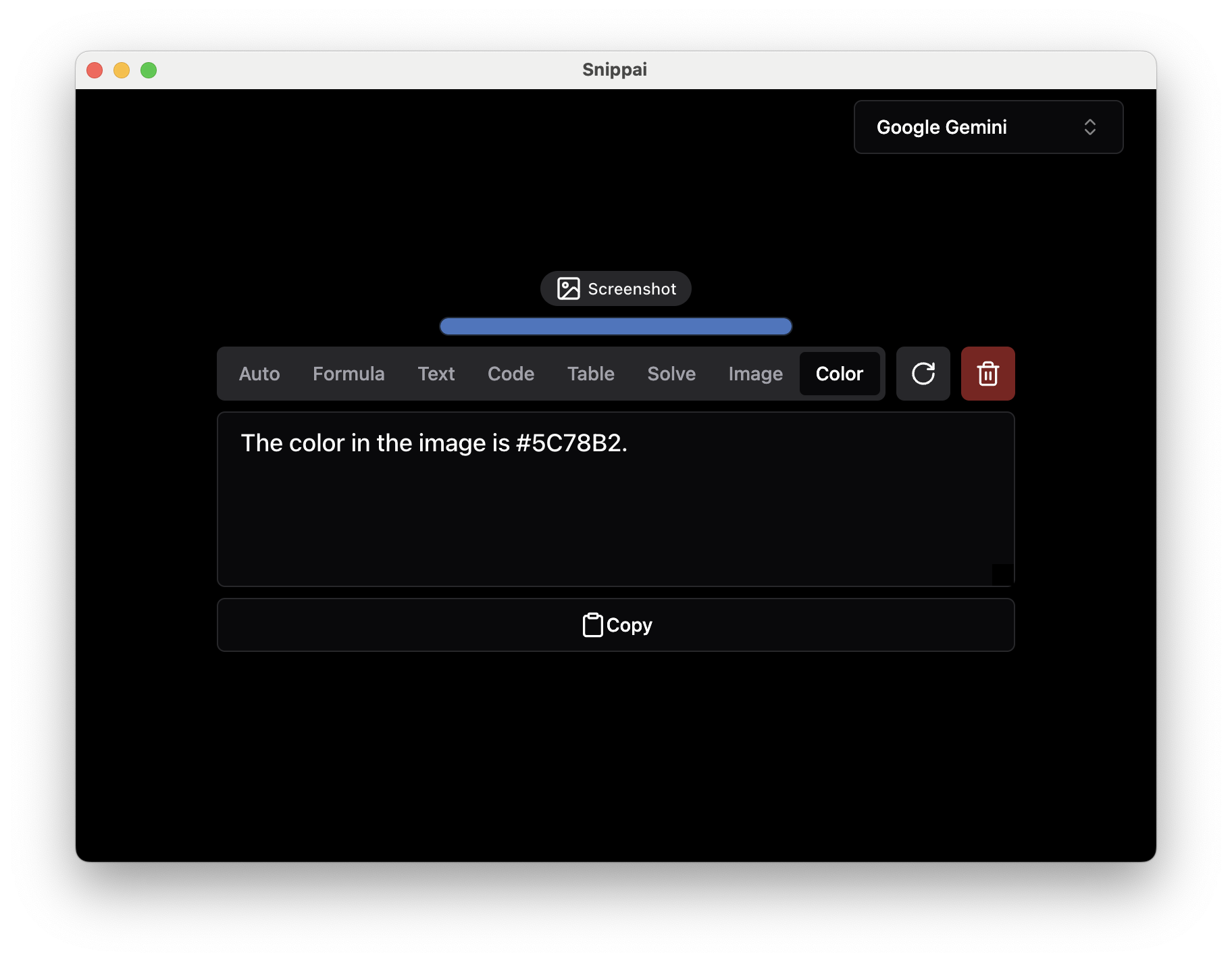
Language Translation
Effortlessly translate and understand text in any language directly from an image. Snippai intelligently detects the language and provides accurate translations in real time—ideal for documents, signage, interfaces, and more.
And More...
Stay tuned for more powerful AI capabilities coming soon! Snippai is continuously evolving to offer new features and enhancements to improve your snipping workflow.
Download and Installation
You can download Snippai from here, and detailed installation instructions are available in the documentation.
Usage
To use Snippai, simply open the application and capture the desired region of your screen using the snipping tool. Snippai will automatically analyze the captured image and provide relevant insights and conversions based on the detected elements.
Contributing
Contributions to Snippai are welcome! Whether you're interested in adding new features, improving existing functionalities, or fixing bugs, your contributions are valuable in making Snippai even better. Please refer to the contribution guidelines in the repository for more information.
Support
For any questions, issues, or feedback, please create a issue. We're here to help!
Acknowledgments
Snippai utilizes various open-source libraries and technologies, and we would like to extend our gratitude to the developers and contributors of these projects.
Enjoy smarter snipping with Snippai! ;)
Sponsor
Fastly is generously donating their services to support our project. You can find more about Fastly here.
