 Newshot
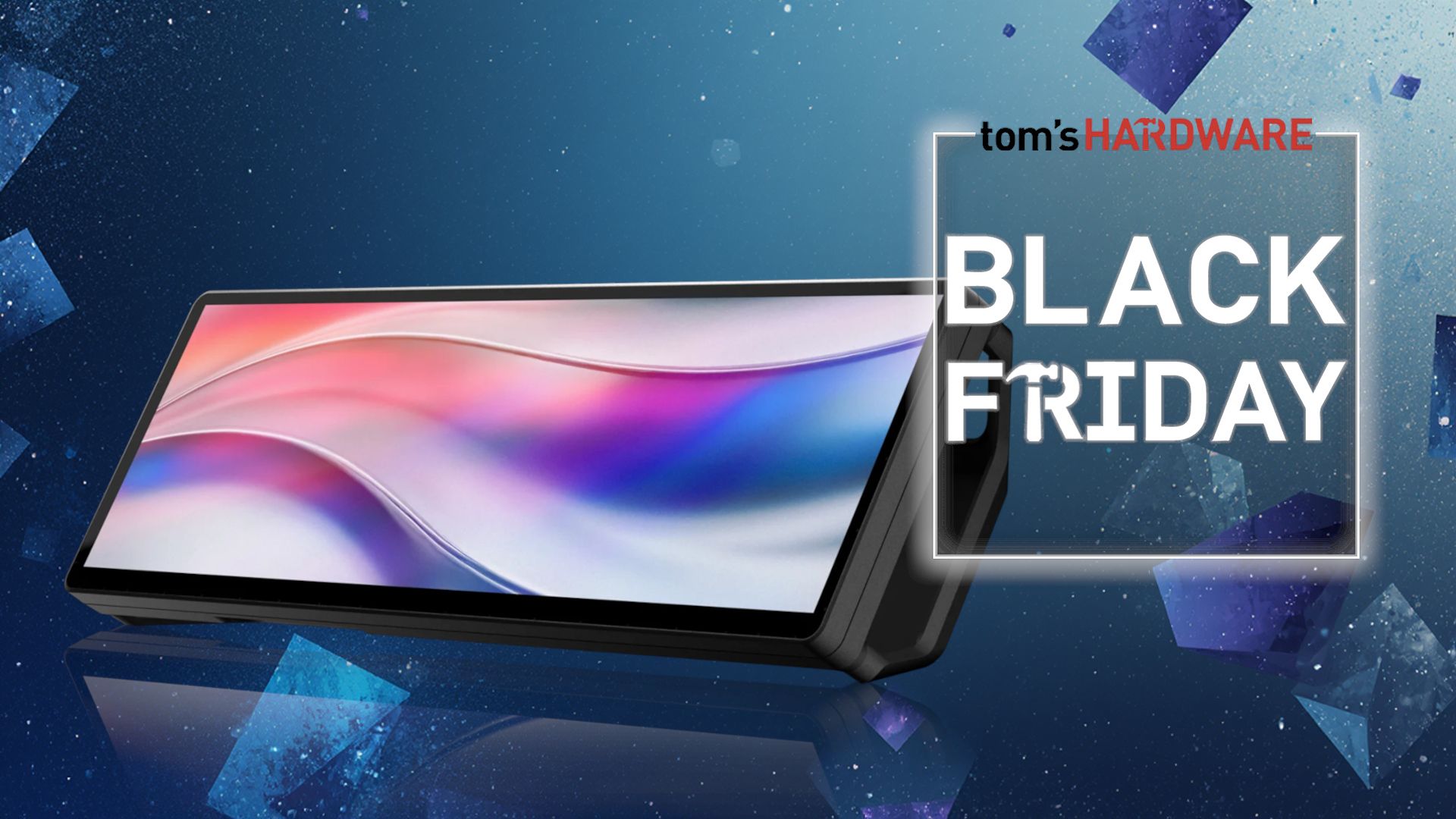
Corsair's Xeneon Edge became a viral sensation over the summer, and it was subsequently marked down from its $250 list price to $199. Now, the deal is back in all five colors for Black Friday, meaning you can score one for just $199 at Corsair, $50 off the usual price.
- Check out this deal on the Corsair website.
The Xeneon Edge comes with a built-in stand to angle the display up toward you while it's sitting on a desk. However, it comes with a magnetic backplate, so you can mount it on virtually any surface, and it even integrates directly into some of Corsair's PC cases. All five colors are on sale with the same discount, so you can choose between White, Black, Smoke, Translucent, and Atomic Purple.
The Corsair Xeneon Edge is a 14.5-inch display designed to serve as an extension for your desktop and give you a small screen to host your most important apps. Its versatility means you can mount it practically anywhere — horizontally under your main monitor, vertically beside your primary display, or as a digital status panel inside your PC case.
Although the Xeneon Edge is small at 14.5 inches, it has a sharp resolution of 2560 x 720 and a refresh rate of 60Hz. It also comes with a five-point touchscreen, giving you multi-touch capabilities. Through Corsair's iCue, you can set up the display to do virtually anything, from providing a Stream Deck-style button interface to showing you real-time system metrics.
The monitor can connect with a sole USB-C cable, providing both power and signal via DisplayPort Alt Mode. You can also use the display with the HDMI 2.0 connection if you don't have a USB-C port.
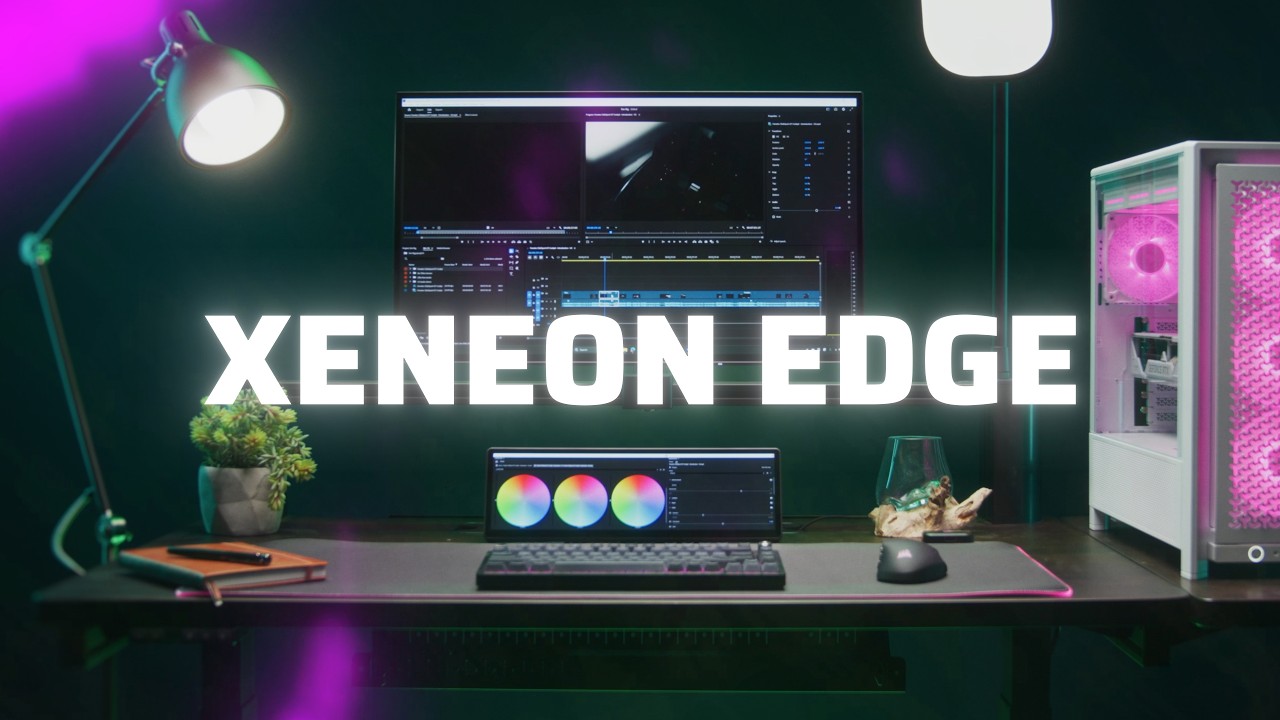
In addition to 14 magnets to hold the display on virtually any metal surface, the display has two 1/4-20" mounting holes, allowing you to use the display with standard A/V stands and accessories.
Through iCue, you can set up whatever view you want, though there's a vibrant marketplace available directly through Corsair. Some widgets are paid, but there are dozens of free options, as well, from a Steam deal tracker to live NBA scores. Additionally, Corsair maintains an official library of 3D models on Printables that you can use to trick out your Xeneon Edge (assuming you have one of the best 3D printers, that is).
More Black Friday Tech Deals
Download the Tom's Hardware app for up-to-the-minute updates on iOS and Android. * The listed previous prices can vary based on retailer, as many use different metrics, like 90-day rolling averages or ‘estimated value’ due to ongoing shortages and price hikes.
Get Tom's Hardware's best news and in-depth reviews, straight to your inbox.

Jake Roach is the Senior CPU Analyst at Tom’s Hardware, writing reviews, news, and features about the latest consumer and workstation processors.