 Newshot
Google boosts Gemini's ability to do 'repetitive tasks' on its Mac app
The feature can list multiple items on e-commerce platforms for you, among other things.
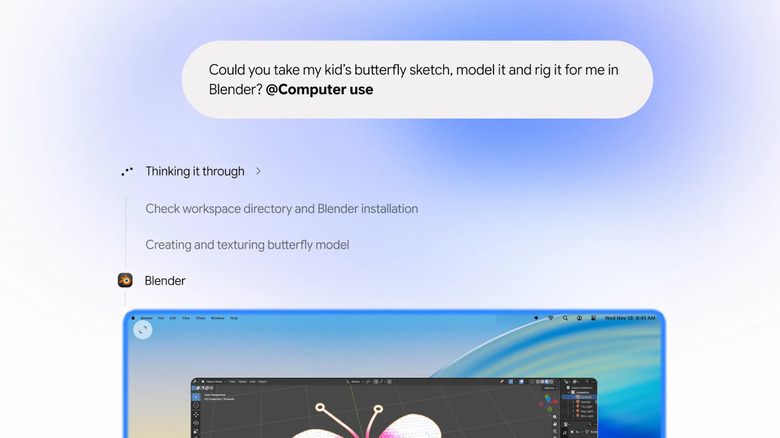
Google's Gemini app for Mac now has the ability to do repetitive tasks on its own. The feature has been available to PC users for a while, but now the Mac app can also access Gemini's "Computer Use" capability. That means it can now see what's on your screen via screenshots, as well as click, type, scroll and navigate programs and websites for you. You can use the capability to automate tasks that would usually take several steps across programs and devices, as long as you tell Gemini what to do in natural language.
The AI app will work on your tasks in a background window and will just give you a live preview in your chat. It will not be taking control of your screen or your cursor, so you can use your Mac computer like you always do. Of course, Gemini will only be able to use the apps and programs you've given it access to, and it will ask for your approval for key actions.
In Google's announcement, it gave several examples for how you can use the new capability. You can use it to list items for sale on platforms like eBay in batches. If you're selling a whole bunch of clothes, for instance, you can ask Gemini to go through the photos you took of them stored in a local folder, research their pricing, log their details and then stage their listings. You can use it to quickly fill out local PDFs, such as shipping declaration forms. You can also use it to speed up creative work, such as getting Gemini to automatically turn a pencil sketch into a 3D model.