 Newshot
Translation(model translation, not the source's own text)
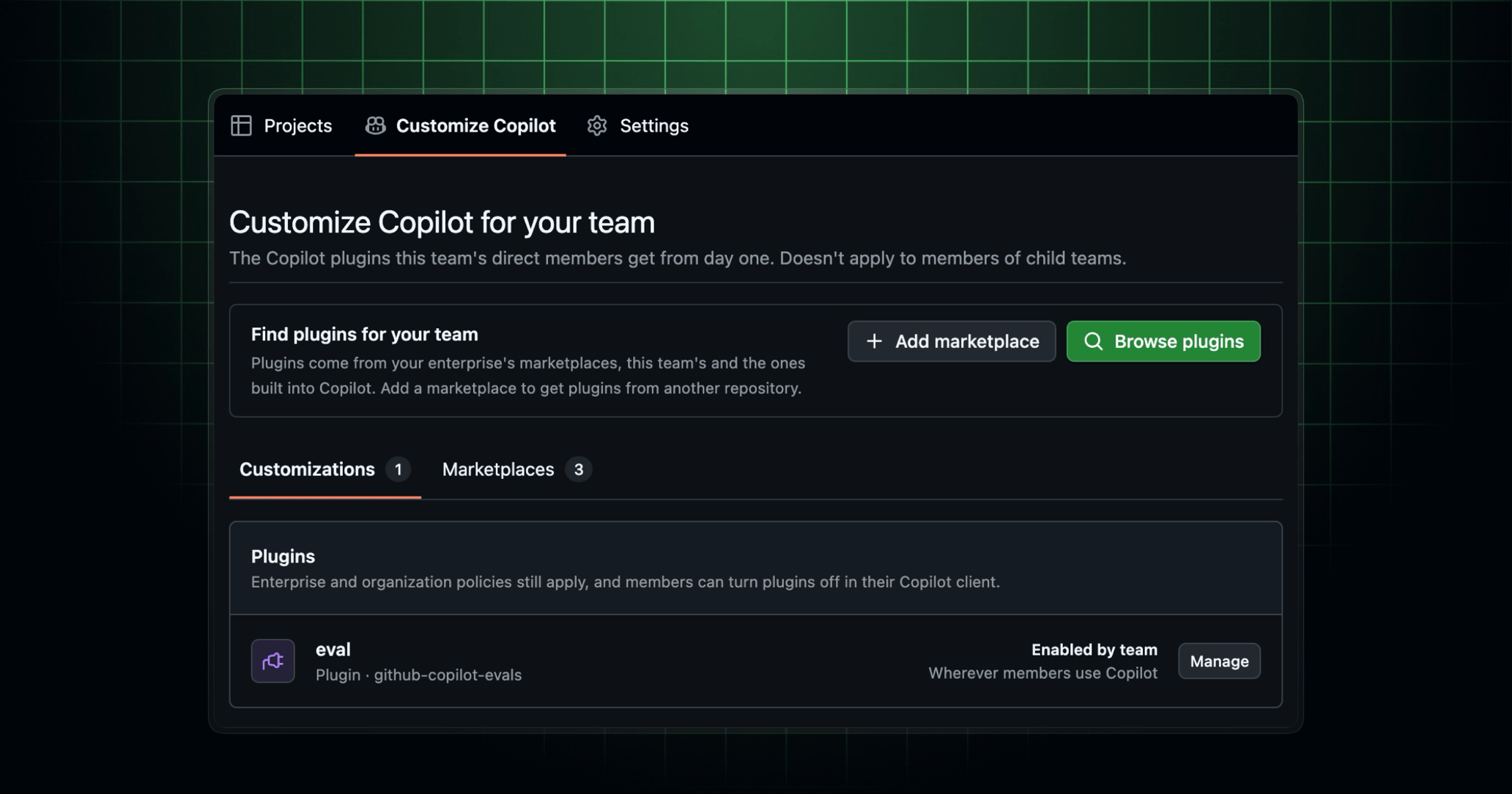
现在,你可以分享团队所依赖的 GitHub Copilot 插件,而无需让每位成员重复相同的设置。团队自定义功能已面向组织团队正式可用。
团队维护者和组织所有者可以将已批准的 Agent Plugins 选为团队默认项。这为你的团队提供了一个共享的起点,介于个人自定义与组织级策略之间。
为团队设置插件
如果你是团队维护者或组织所有者,请在 github.com 上打开你的组织团队,然后选择 Customize Copilot 选项卡。在这里,你可以:
- 从 Copilot 内置的市场、你所在企业的市场以及团队添加的任何市场中浏览插件。随后你可以将单个插件添加到团队。
- 从包含插件市场的 GitHub 仓库添加市场。这样其插件便可浏览。你可以将单个插件添加到团队以启用它们。
所选插件默认对团队的直属成员在 VS Code、GitHub Copilot 应用和 Copilot CLI 中启用。子团队的成员不会继承这些插件。团队默认项是可选的。在策略允许的情况下,成员可以在其 Copilot 客户端中关闭团队插件。
你的策略仍然生效
企业策略和组织策略优先于团队选择。Copilot 客户端会继续强制执行允许哪些市场,以及哪些插件为必需或已被阻止。团队默认项不会覆盖这些控制措施。
团队自定义功能适用于 Copilot Business 和 Copilot Enterprise。
进一步了解 GitHub Copilot 的插件,并加入 GitHub Community 中的讨论。