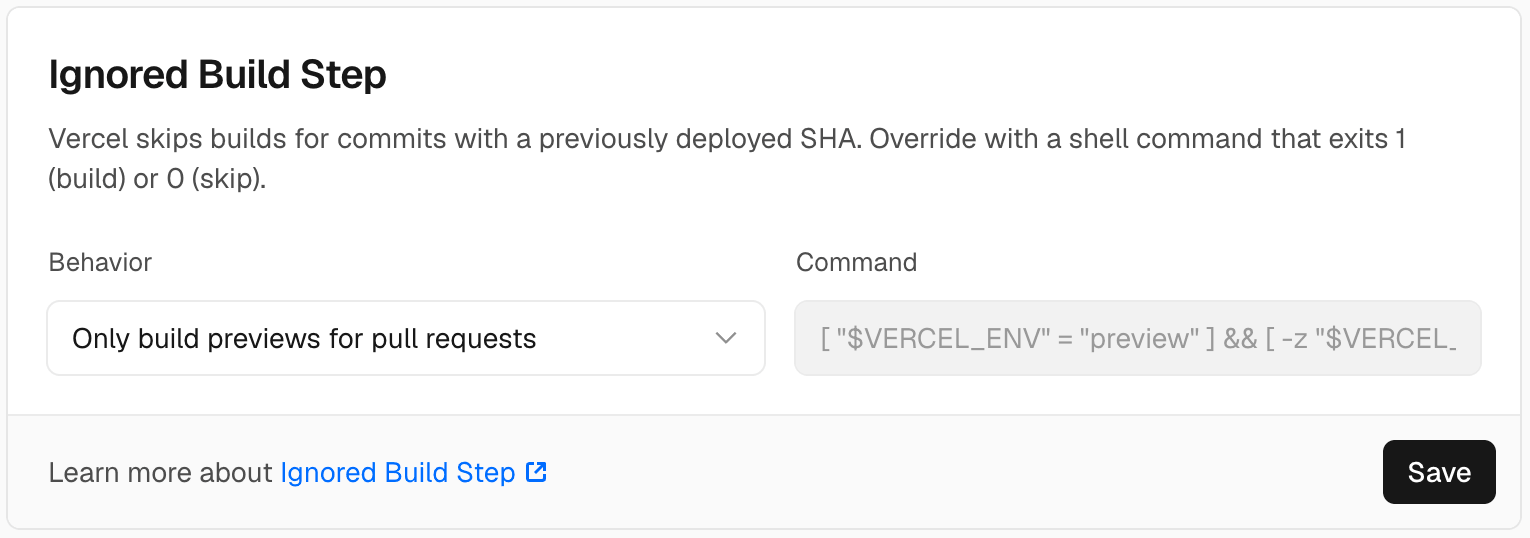
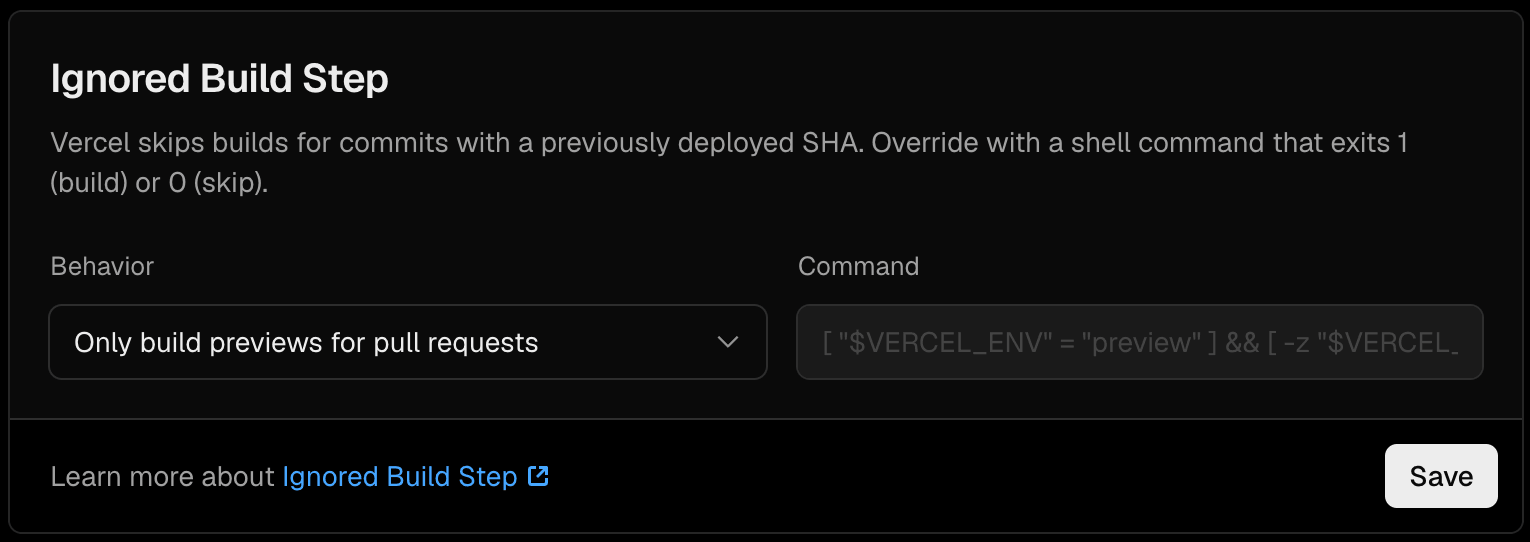
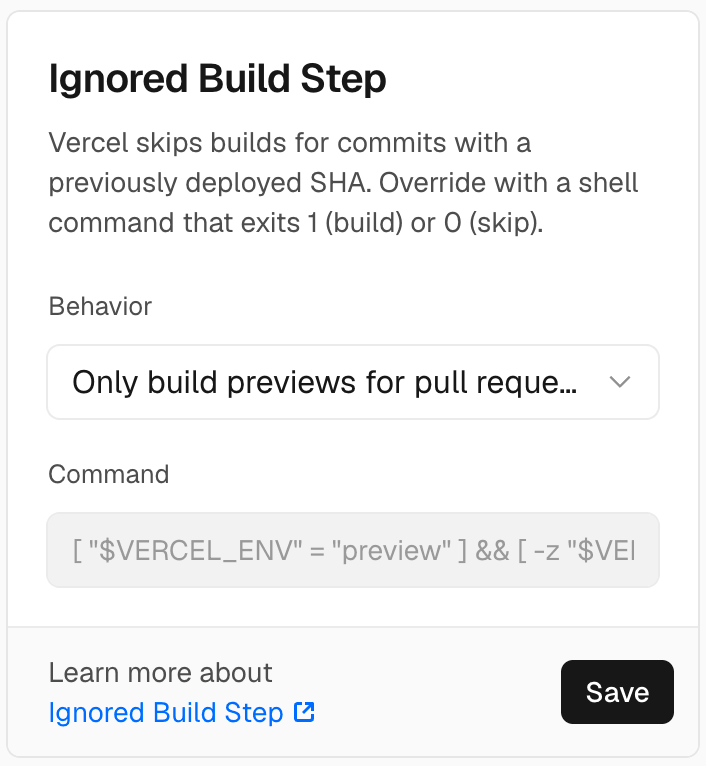
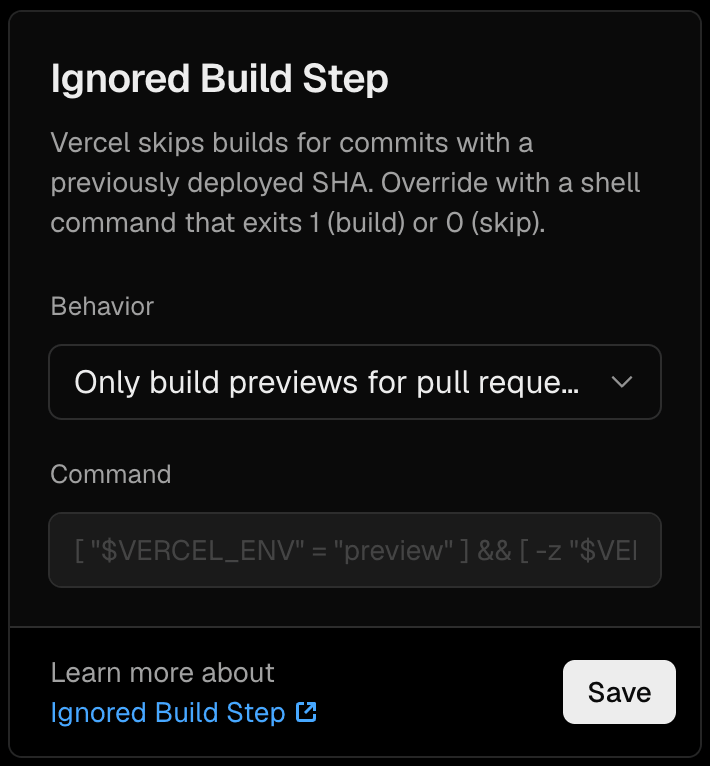
A new Ignored Build Step preset lets you skip preview builds for branches without an open pull request. Production deployments and previews for branches with open pull requests continue to build. On GitHub and GitLab projects, skipped preview deployments are canceled before consuming any Build CPU Minutes. To enable this, open your project’s Deployments > Configuration . Under Ignored Build Step , select Only build previews for pull requests from the Behavior menu and click Save . Learn more in the Ignored Build Step documentation . Read more
Original text(via Vercel Blog)
A new Ignored Build Step preset lets you skip preview builds for branches without an open pull request. Production deployments and previews for branches with open pull requests continue to build.
On GitHub and GitLab projects, skipped preview deployments are canceled before consuming any Build CPU Minutes.
To enable this, open your project’s Deployments > Configuration. Under Ignored Build Step, select Only build previews for pull requests from the Behavior menu and click Save.
The pull-request-only preset fills in the ignore command automatically.The pull-request-only preset fills in the ignore command automatically.The pull-request-only preset fills in the ignore command automatically.The pull-request-only preset fills in the ignore command automatically.
Learn more in the Ignored Build Step documentation.
The text above was extracted automatically from the source page and may miss images, tables or code blocks. The original is authoritative.
Published by Vercel Blog
This site only summarises and aggregates; copyright stays with the original author. Headlines and summaries follow the source — where they differ, the original wins.
 Newshot