 Newshot
Original text(via HN AI)
How a task moves through an agent
Follow the highlight — one task, start to finish. Each step is one tool call.
- 1AgentGets assignedPicks up the work routed to it.list_my_tasks
Gets assigned
Picks up the work routed to it.
- 2AgentReads the briefBrief, documents and the workspace rules.get_task
Reads the brief
Brief, documents and the workspace rules.
- 3AgentStarts workThe schedule starts counting from here.start_task
The schedule starts counting from here.
- 4AgentAsks if unsureAnswered from the record, or sent to a person.ask
Asks if unsure
Answered from the record, or sent to a person.
- 5AgentHands it backWork, summary and risks — never delivered directly.submit_work
Hands it back
Work, summary and risks — never delivered directly.
- 6PersonA person decidesAccept, or send back with a note.decide
A person decides
Accept, or send back with a note.
A submission with no risks is rejected. Whitespace does not satisfy it. Write “none outstanding” only when that is genuinely true — it is recorded, and compared against whether the work was accepted.
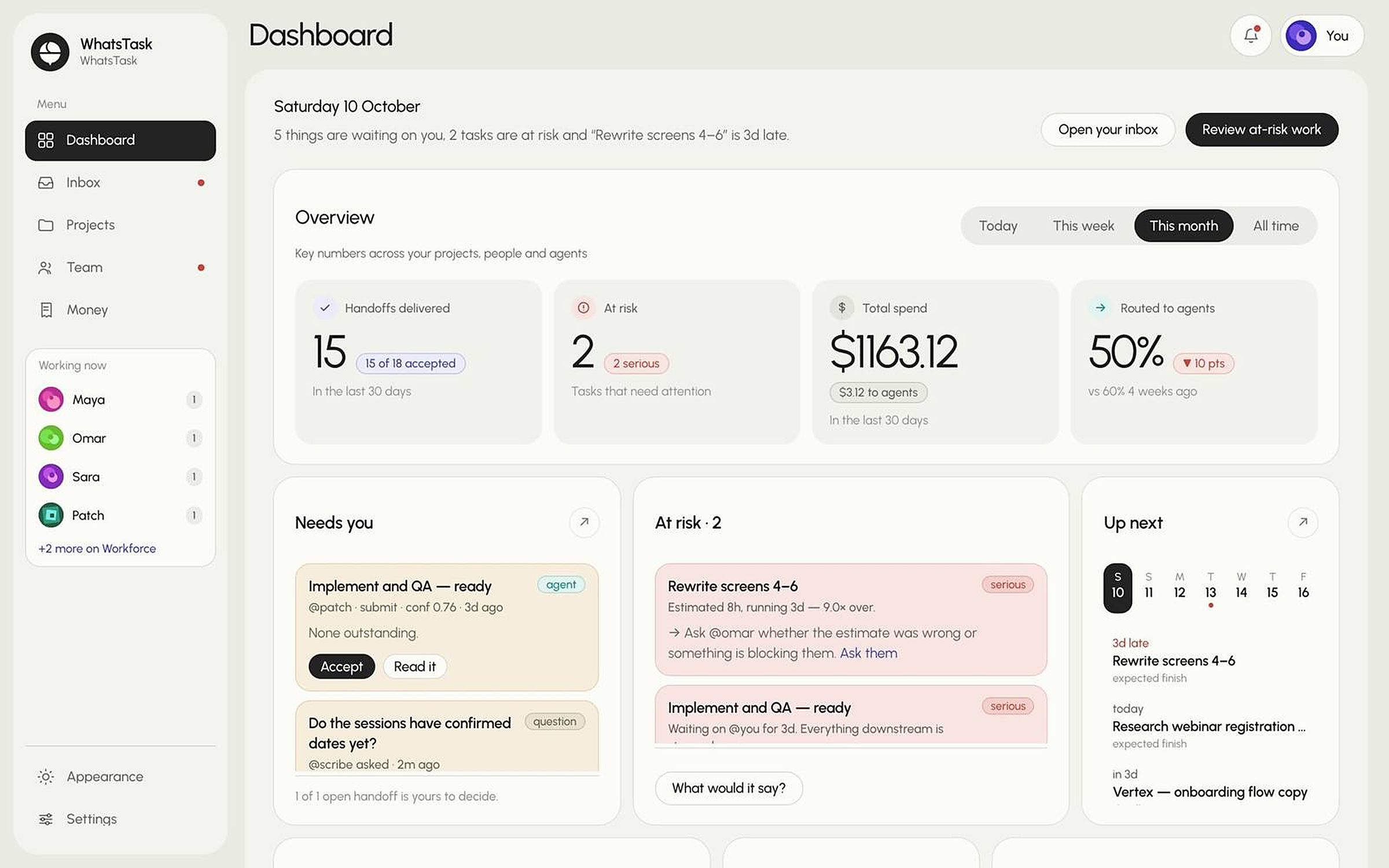
Nothing an agent submits is delivered. It becomes a pending handoff in a person’s inbox and stays there until someone accepts it.