 Newshot
Building my own ADS-B receiver
8 November 2026
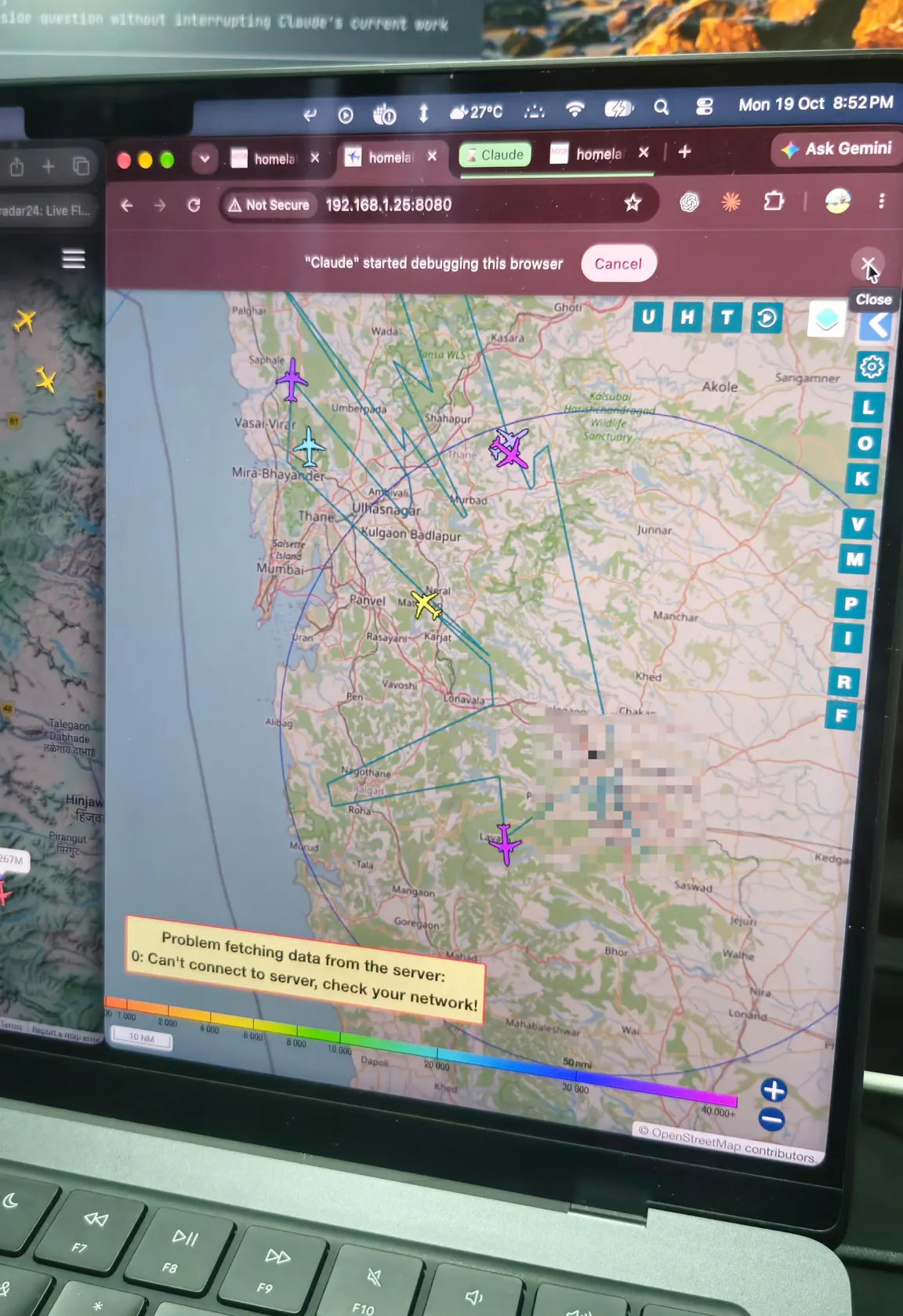
The flight map on my homepage shows planes over Mumbai, but I’m not tracking any of them myself. The data comes from adsb.lol and adsb.fi, and they get it from regular people who run receivers at home and share whatever they pick up. I’ve been using their data for a while, so it only felt fair to set up a receiver and give some back.
If you haven’t come across ADS-B before: planes keep broadcasting their position, altitude and speed on 1090 MHz. None of it is encrypted, so anyone with an antenna and a receiver can listen in, and you really don’t need much for that. A Raspberry Pi and a small USB radio are enough.
Oh, and you can drag around the parts in the pictures below.
The Pi
It’s a Raspberry Pi 4 with 1 GB of RAM. Decoding ADS-B barely uses anything, so I didn’t see the point in getting more.
Power comes from a USB-C supply, and the OS is on a high-endurance microSD card. The Pi will be on all day, every day, writing to that card the whole time, and regular cards don’t last long like that.
Pick up a part to see its name and move it anywhere on the page. Each part can also be focused and moved with arrow keys. Hold Shift to move farther.
Cooling
Since it never gets switched off, I wanted it to stay cool. The Pi sits in an aluminium armour case with two fans, and thermal pads connect the chips to the metal, so the whole case works as a heatsink.
The radio is an RTL-SDR, which is basically a USB stick that can tune into radio. Those get warm too, so I stuck M.2 SSD heatsinks on it, the ridged metal ones you’d normally put on an SSD. It isn’t plugged straight into the Pi either. It goes through a 1 m USB extension, which keeps it away from the Pi’s heat and electrical noise.
Pick up a part to see its name and move it anywhere on the page. Each part can also be focused and moved with arrow keys. Hold Shift to move farther.
The cable
The antenna has to go outside, as high up as I can get it, and the Pi stays indoors. So I needed a long cable between them.
Turns out the building already had one. There’s RG6 running through the walls for an old satellite TV dish, and my TV just streams everything, so that cable was sitting there doing nothing. I’m reusing it. No buying 30 m of new cable, and no drilling through walls to run it.
Pick up a part to see its name and move it anywhere on the page. Each part can also be focused and moved with arrow keys. Hold Shift to move farther.
Adapters
The annoying bit is that RG6 uses F connectors, the screw-on kind you see on TV cables, and the radio has an SMA port. Getting from one to the other took a little pile of adapters: screw-on F connectors for the cable ends, two F to SMA adapters, an SMA barrel and an SMA to SMA adapter.
Pick up a part to see its name and move it anywhere on the page. Each part can also be focused and moved with arrow keys. Hold Shift to move farther.
Tools
For the cable work I got a cutter-stripper to prep the ends, some PVC tape, and a multimeter to make sure the old cable actually conducts end to end before I rely on it.
Pick up a part to see its name and move it anywhere on the page. Each part can also be focused and moved with arrow keys. Hold Shift to move farther.
The antenna
The antenna itself is tiny: 19 cm long, 5 dBi, tuned for 1090 MHz. It’s going inside a PVC pipe with an end cap so rain can’t get in. Self-amalgamating tape goes over the joints, UV-resistant cable ties hold it all together, and a U-bolt clamp holds it up. Railing or pole, I still haven’t decided.
Pick up a part to see its name and move it anywhere on the page. Each part can also be focused and moved with arrow keys. Hold Shift to move farther.
Software
On the software side I’m using adsb.im. You flash it onto the card, boot the Pi, open the setup page in a browser and tick the networks you want to feed. That’s about it.
Mine feeds adsb.lol, adsb.fi and a couple of the bigger flight tracking sites. Military aircraft I don’t share.
Where it’s at
I’ve tested everything indoors and it works. It’s not outside yet though, because one part still hasn’t arrived.
Thirty metres of RG6 loses roughly 6 dB at 1090 MHz, and plane signals are weak enough already. So I’m adding a SAW filter and an LNA right at the antenna, before the cable. The filter blocks strong signals from stuff like nearby phone towers, and the LNA boosts what’s left before the cable eats into it.
That’s the part I’m waiting on. I’ve ordered one, and it still hasn’t shown up.
Pick up a part to see its name and move it anywhere on the page. Each part can also be focused and moved with arrow keys. Hold Shift to move farther.
Once it does, the antenna goes outside and the Pi starts passing on every plane it can hear.
Pick up a part to see its name and move it anywhere on the page. Each part can also be focused and moved with arrow keys. Hold Shift to move farther.
The indoor test is my own photo. For everything else I didn’t feel like taking the whole setup apart, so those are pictures of the same parts (or the closest I could find) from around the internet.
- Raspberry Pi 4: Laserlicht, CC BY-SA 4.0
- microSD card: SanDisk (product photo)
- USB-C power supply: Raspberry Pi Ltd (product photo)
- Armour case: The Pi Hut (product photo)
- SSD heatsink: The Pi Hut (product photo)
- USB extension: Jojalozzo, CC BY-SA 3.0
- RTL-SDR radio: Joeceads, CC BY-SA 4.0
- Satellite dish: Kalakki, public domain
- RG6 coil: Daniel Christensen, CC BY 3.0
- F connectors: Haragayato, CC BY-SA 2.5
- F-to-SMA adapter: Altronics (product photo)
- SMA barrel: Tiiti, public domain
- SMA to SMA adapter: Tiiti, public domain
- Cutter-stripper: Tiia Monto, CC BY-SA 4.0
- Multimeter: Jon Ascton, CC BY-SA 3.0
- PVC tape: Jonas Bergsten, public domain
- Antenna: Nooelec (product photo)
- U-bolt clamp: DIPOL (product photo)
- Cable tie: Patatruc, CC BY-SA 4.0
- Parcel: Meanwell Packaging, CC BY 2.0
- Plane: BriYYZ, CC BY-SA 2.0
Backgrounds and logos removed. Photos under CC BY-SA are shared under the same licence.