 Newshot
AI room design for your own room
Upload your room photo to try six interior styles. Redesign a furnished room or virtually stage an empty space, then compare the result with your original.
- 2 free trial designs · samples need no account
- Purchased credits never expire
- Before / after slider
- Private by default
1 · Your room
2 · Design task
Restyle a furnished room. Furniture, colors and decor change; the layout is kept.
Explore furniture and decor while aiming to keep doors, windows, walls, floors and the camera angle.
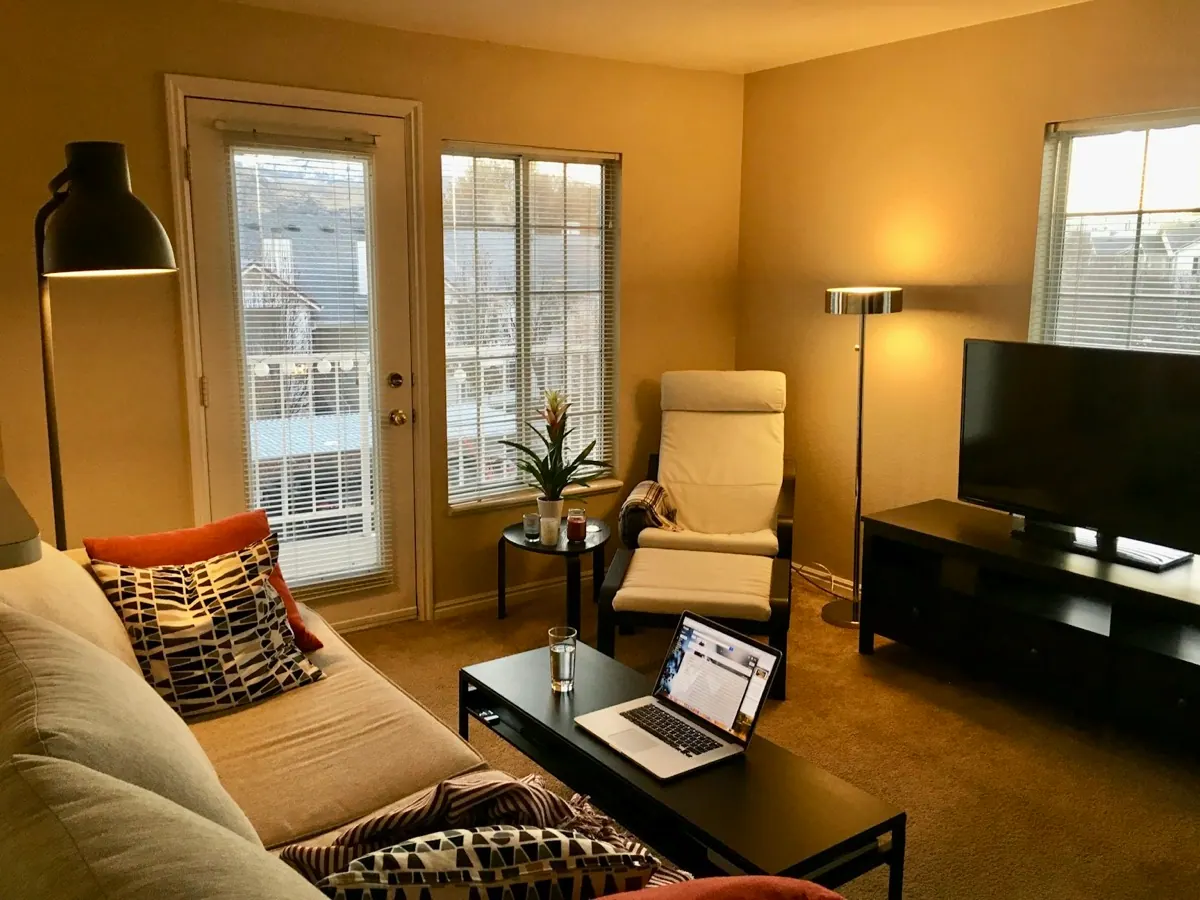
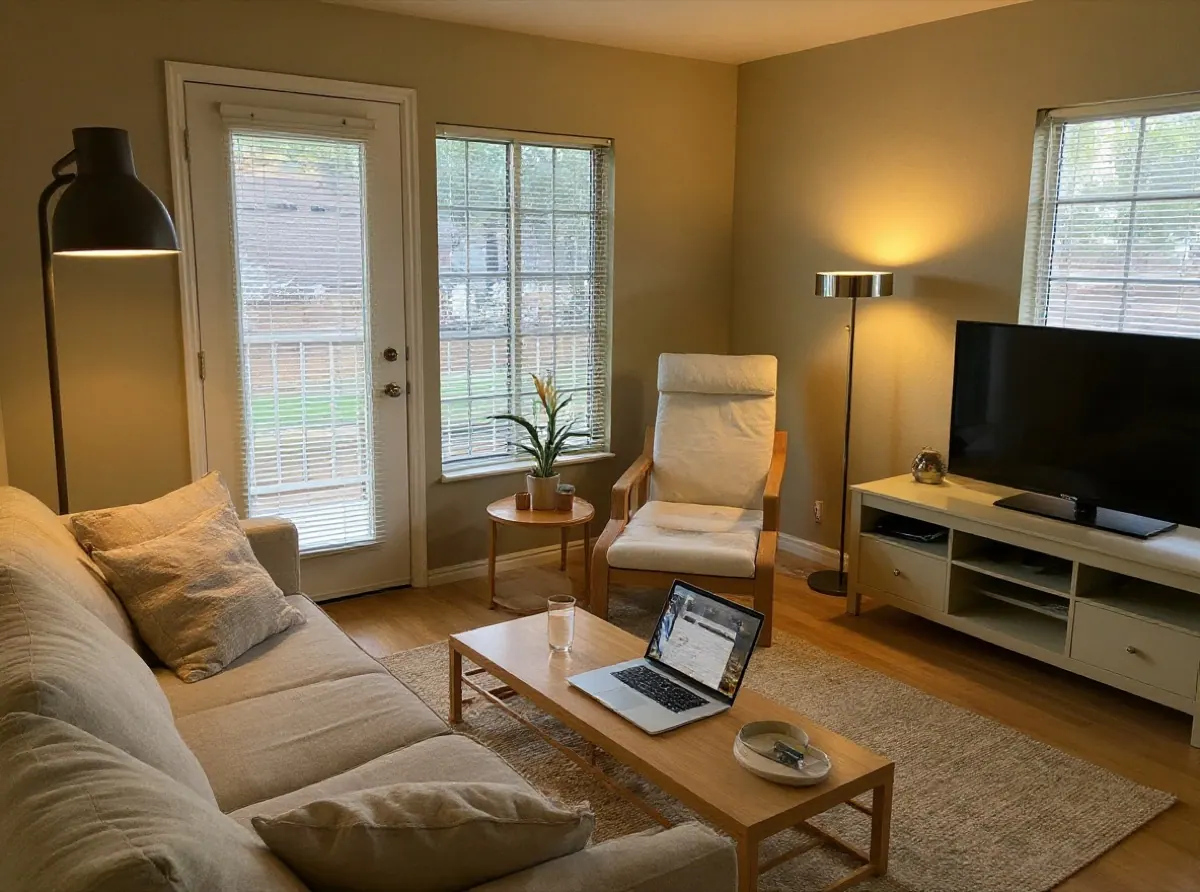
Real photo and a design made with this tool. Drag the slider to compare.
AI room design before-and-after examples
Start with a living room or bedroom photo. Compare these sample-photo tests in six styles, then upload your own room to explore a direction.
AI living room design from your photo
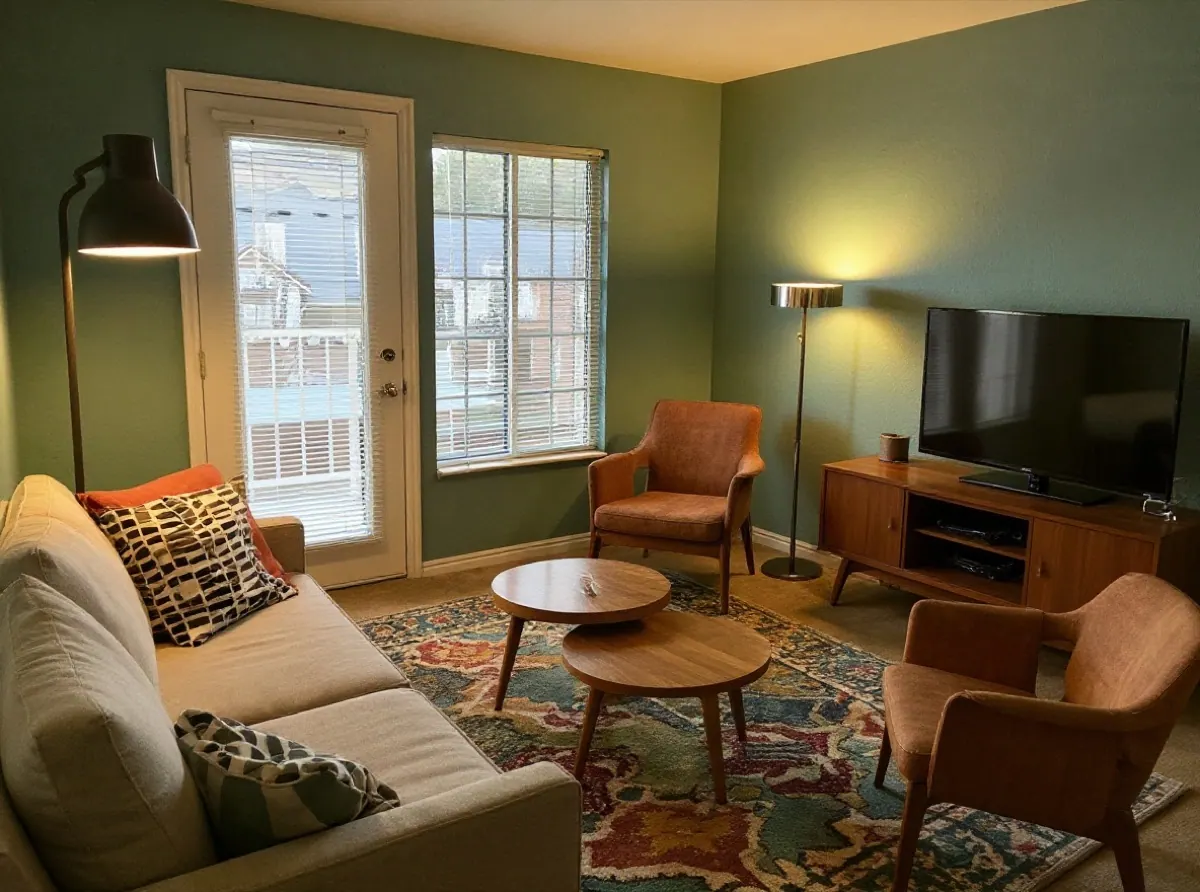
Compare sofa, rug and lighting ideas in the living room you already have. Photograph the seating area together with the TV or fireplace, doors and windows so you can check the same features in the result.
Observation from the saved Japandi example: In the Japandi sample, the dark coffee table and TV unit become lighter wood, the patterned cushions become plain, and a rug replaces the visible carpet. Compare the door and window details as well as the furniture.
Want to keep your sofa? Say so in the notes, then check its shape and position in the result. AI may still replace it. Measure furniture and walking routes in the actual room before you buy.
Sample-photo test, not a customer project. Photo: Brett Wharton / Unsplash. Designs generated with this tool.
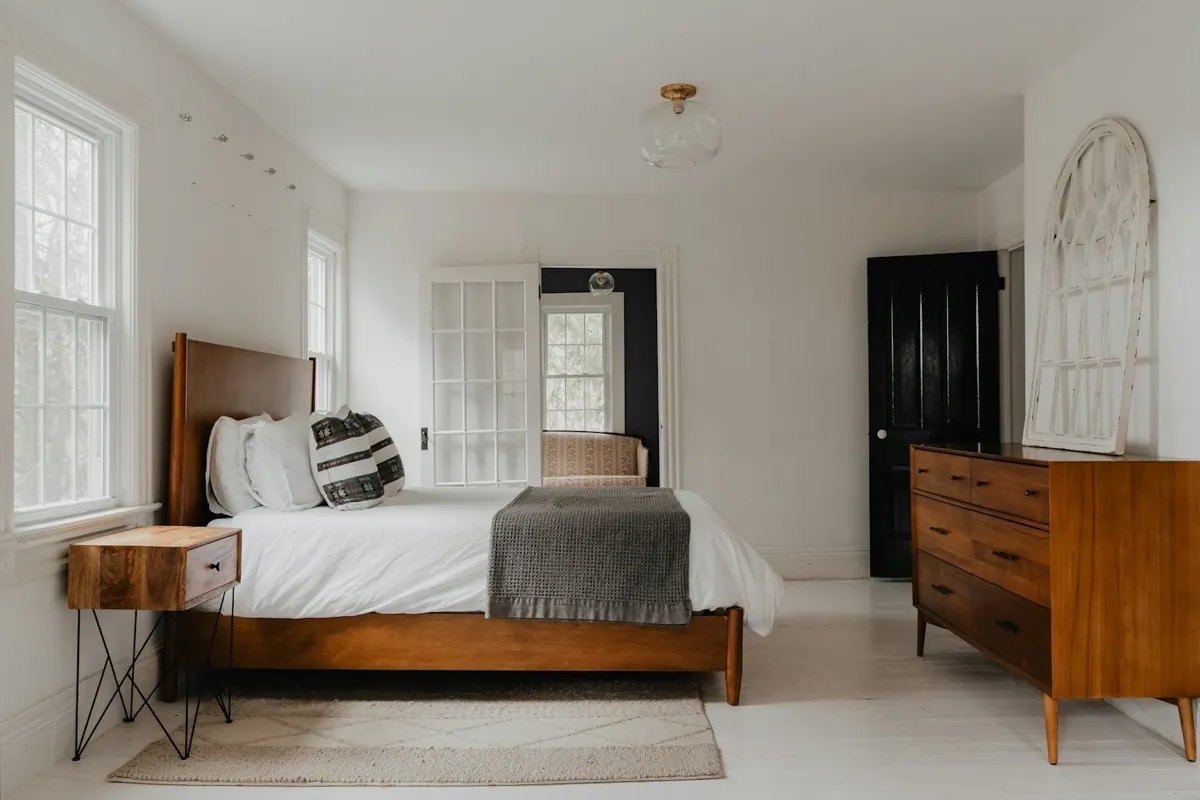
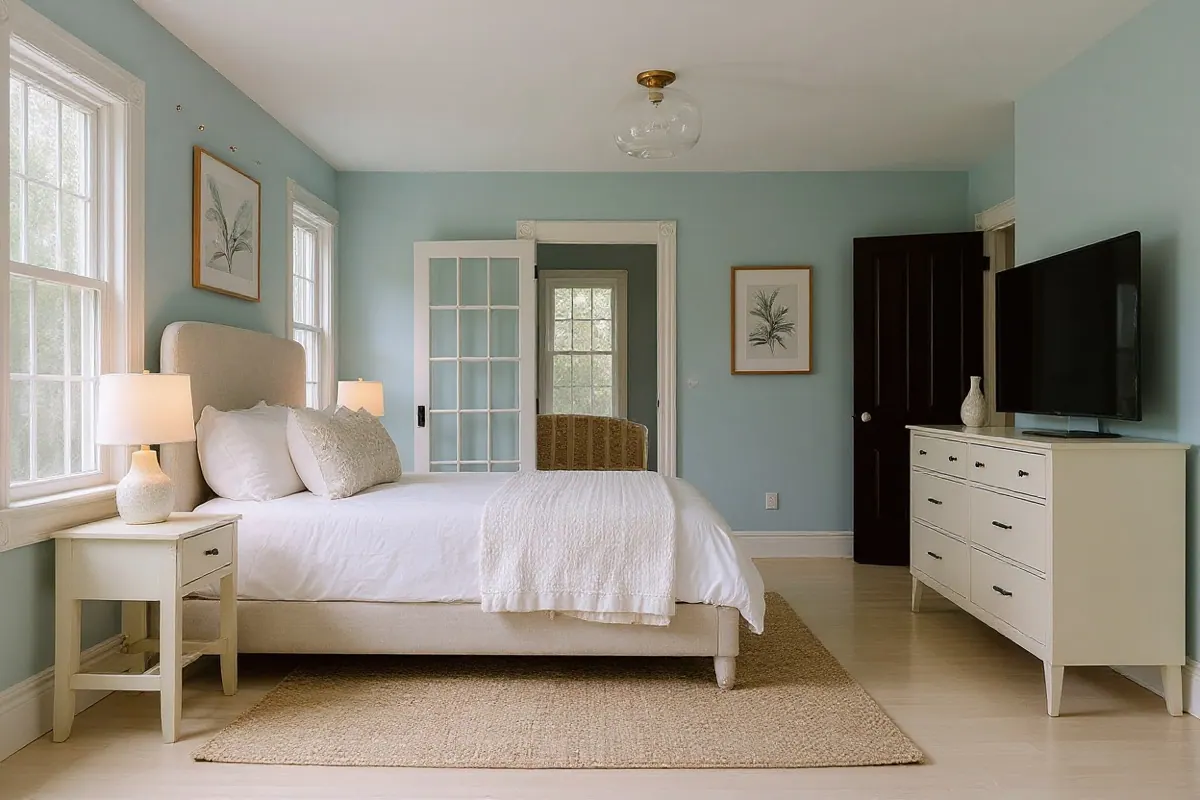
AI bedroom design from your photo
Explore bedroom colours, bedding and furniture before repainting or shopping. Include the bed wall, windows and storage in your photo; a close-up of the bed leaves out important context.
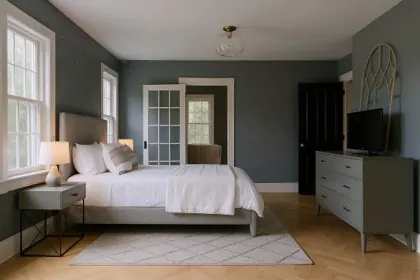
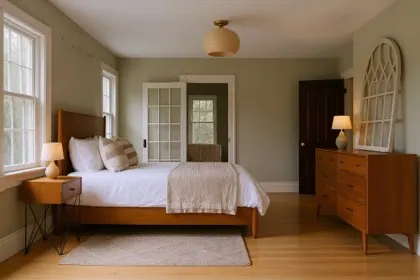
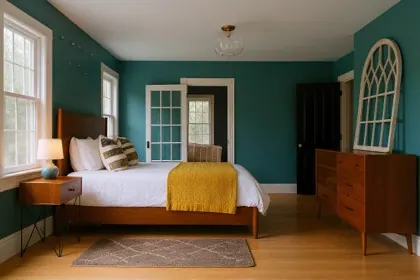
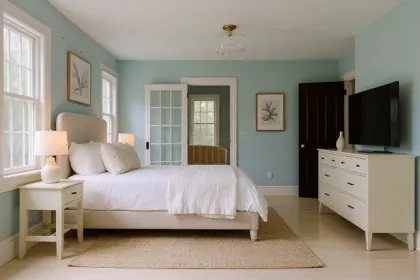
Observation from the saved Coastal example: In the coastal sample, white walls become pale blue, the wooden bed becomes upholstered, and the dresser changes. The main openings remain recognisable, but small details can change; inspect them with the slider.
For a small bedroom, compare how bulky the bed, bedside tables and storage look together. The image cannot confirm bed clearance, wardrobe capacity or whether a drawer will open; check those with real measurements.
Sample-photo test, not a customer project. Photo: Clay Banks / Unsplash. Designs generated with this tool.
Starting with an empty room?
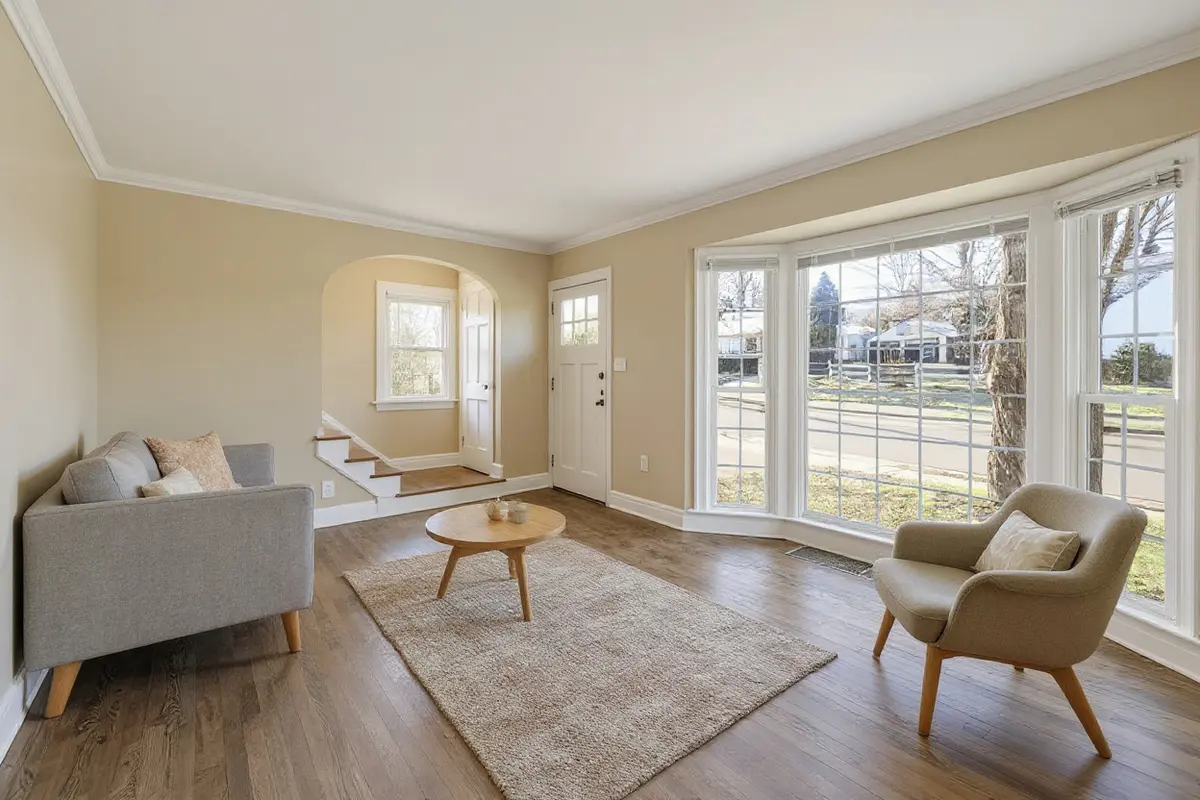
Use Virtual Staging to explore furniture, a rug and lighting. An empty-room sample is available in the workspace.
Home office
Compare desk, shelving and lighting ideas. Check desk dimensions and outlet positions in your actual room.
Dining room
Try table, chair and pendant styles. Measure chair pull-out space and routes around the table before buying.
What is AI Room Design?
AI room design uses a photo of your existing space to create interior design concepts. With this tool, you can restyle a furnished room or add furniture to an empty one, then compare the result with the original.
Browse the saved samples without an account. Eligible new users can try 2 designs after signing in. Trial credits expire after 30 days; one trial per person. After the trial, use one-time credit packs with no subscription; purchased credits never expire.
Designs are AI-generated concepts for exploring a direction. They are not measured plans, and furniture shown is not a specific product. Check sizes and structure with a professional before you build.
Pay once. No subscription.
One design uses one credit. Failed designs are refunded automatically, and downloading or comparing a design you already have is free.
$9.99/ 60 designs
Enough to try every style on a couple of rooms. Pay once; there is no subscription.
- 60 room designs, about $0.17 each
- Room Redesign and Virtual Staging
- All 6 styles, every room type
- Purchased credits never expire
- Failed designs refunded automatically
- Private designs you can delete anytime
$19.99/ 200 designs
For a whole-home refresh or staging several listings, at the lowest price per design.
- 200 room designs, about $0.10 each
- Everything in the Starter Pack
- Compare saved versions at no extra charge
- Use designs in property listings
- Purchased credits never expire
- Failed designs refunded automatically
Eligible new users can try 2 designs after signing in. Trial credits expire after 30 days; one trial per person. No ongoing free plan. Prices in USD; taxes may apply. Secure checkout by Stripe.
Credits for technically failed or timed-out designs are returned automatically. A completed design that does not match your taste is not refunded.
How to use AI Room Design
Three steps from a photo to a design you can compare.
- STEP 01Upload your roomTake a photo from a corner with good daylight, then choose Room Redesign for a furnished room or Virtual Staging for an empty one.
Upload your room
Take a photo from a corner with good daylight, then choose Room Redesign for a furnished room or Virtual Staging for an empty one.
- STEP 02Choose your lookPick the room type and one of six styles. Add a short note if something must stay, like the floor or a favourite sofa.
Choose your look
Pick the room type and one of six styles. Add a short note if something must stay, like the floor or a favourite sofa.
- STEP 03Compare and refineDrag the slider to compare the design with your room. Try another style or version, then download the one you like.
Compare and refine
Drag the slider to compare the design with your room. Try another style or version, then download the one you like.
Why use AI Room Design?
Decide on a direction for your room before you spend on it.
No design skills needed
Choose a room type and a style. There are no prompts to learn and no software to install.
See before and after
A slider puts your room and the design side by side, so you judge the change, not just a pretty picture.
Built to keep your layout
Each design is asked to keep walls, doors, windows and perspective. Check the result, since AI can still drift.
Clear credit use
One design uses one credit, shown before you click. Downloads and comparisons are always free.
Private by default
Photos and designs are visible only in your account and are never added to a public gallery.
Failed designs are refunded
If a design fails or times out, the credit is returned automatically. You never pay for an error.
Room Redesign and Virtual Staging
Room Redesign
Explore new furniture, colours and decor in a furnished room. Designs aim to keep the existing walls, windows and camera angle, so you can compare ideas before you shop.
Virtual Staging
Add furniture, a rug and lighting to a photo of an empty room. Preview decorating ideas for a new home or rental, or create a staging concept to label and use in a listing.
Compare every version
Every design from the same photo is kept as a version. Switch between them and compare each with the original before you decide.
Design not looking right? Common fixes
Most disappointing results come down to one of these six things.
Photo is too dark
Dim photos give muddy results. Open the curtains or turn on the lights and shoot again in daylight.
Odd angle or close-up
Stand in a corner at chest height and include the floor and two walls. Close-ups of one wall leave the AI guessing.
File will not open
Use a JPG, PNG, WebP or iPhone HEIC photo up to 15 MB. If a photo still will not open, export it as a JPEG and try again.
Design takes too long
Most designs finish within a minute. If one times out, the credit is refunded and you can try again.
Windows or walls moved
AI can shift structure. Try again, or add a note such as “keep the window and door exactly as they are”.
Download does not start
Stay signed in and try again. On iPhone, press and hold the image, then save it to Photos or Files.
Room design guides
Practical guides from testing this tool on real rooms.
How to redesign a room with AI
Take a photo the AI can read, pick the right task and check the result before you buy anything.
What AI virtual staging is
How to furnish an empty room from a photo, which style suits buyers or renters, and how to label staged photos.
Interior design styles compared
Modern, minimalist, Scandinavian, Japandi, mid-century and coastal on the same real living room.
Japandi interior design
The key elements of Japandi, mistakes to avoid and before-and-after examples on ordinary rooms.
AI room design tools compared
Compare official pricing, trial conditions and the tasks each tool supports before you pay.
What we learned testing AI room design
Inspect saved sample results, changes to room details and the limits of our development observations.
Room design FAQs
Credits, privacy and what to expect from a design.
Eligible new users can try 2 designs after signing in. Trial credits expire after 30 days; one trial per person. Sign in with an email code or Google. There is no ongoing free plan. You can browse the sample designs without an account, and upload a photo and choose settings before you sign in.
One design uses one credit, and the cost is shown on the button before you click. Trying again or choosing another style creates a new design and uses another credit. Downloading or comparing a design you already have is free.
Credits come in one-time packs: 60 designs for $9.99 USD or 200 designs for $19.99 USD. One design uses one credit. There is no subscription, and purchased credits never expire.
Open My Designs to delete a single design, or a room photo together with every design made from it. Deleted files are removed from our storage straight away.
Credits for technically failed or timed-out designs are returned automatically. A completed design that does not match your taste is not refunded.
Every design is asked to keep the layout, walls, windows, doors and camera angle. AI can still shift details, so compare the result with your photo using the slider.
Room Redesign restyles a room that already has furniture. Virtual Staging adds furniture to an empty room. Staging does not remove existing furniture.
A bright, level photo taken from a corner that shows the floor and two walls. JPG, PNG, WebP and iPhone HEIC photos up to 15 MB are supported.
Only you, when signed in to your account. Photos are sent to our image generation provider to create the design and are never added to a public gallery.
You can use designs of rooms you have the right to photograph. Label them as AI-generated or virtually staged, as many listing sites require.
No. Choose the room type and a style; the optional note is for anything specific, such as keeping the floor.
No. Designs are AI concepts for exploring ideas. They do not give measurements, and furniture shown is not a specific product.
See your room in a new style
Eligible new users can try 2 designs after signing in. Trial credits expire after 30 days; one trial per person. Compare the results with your room before you change a thing.