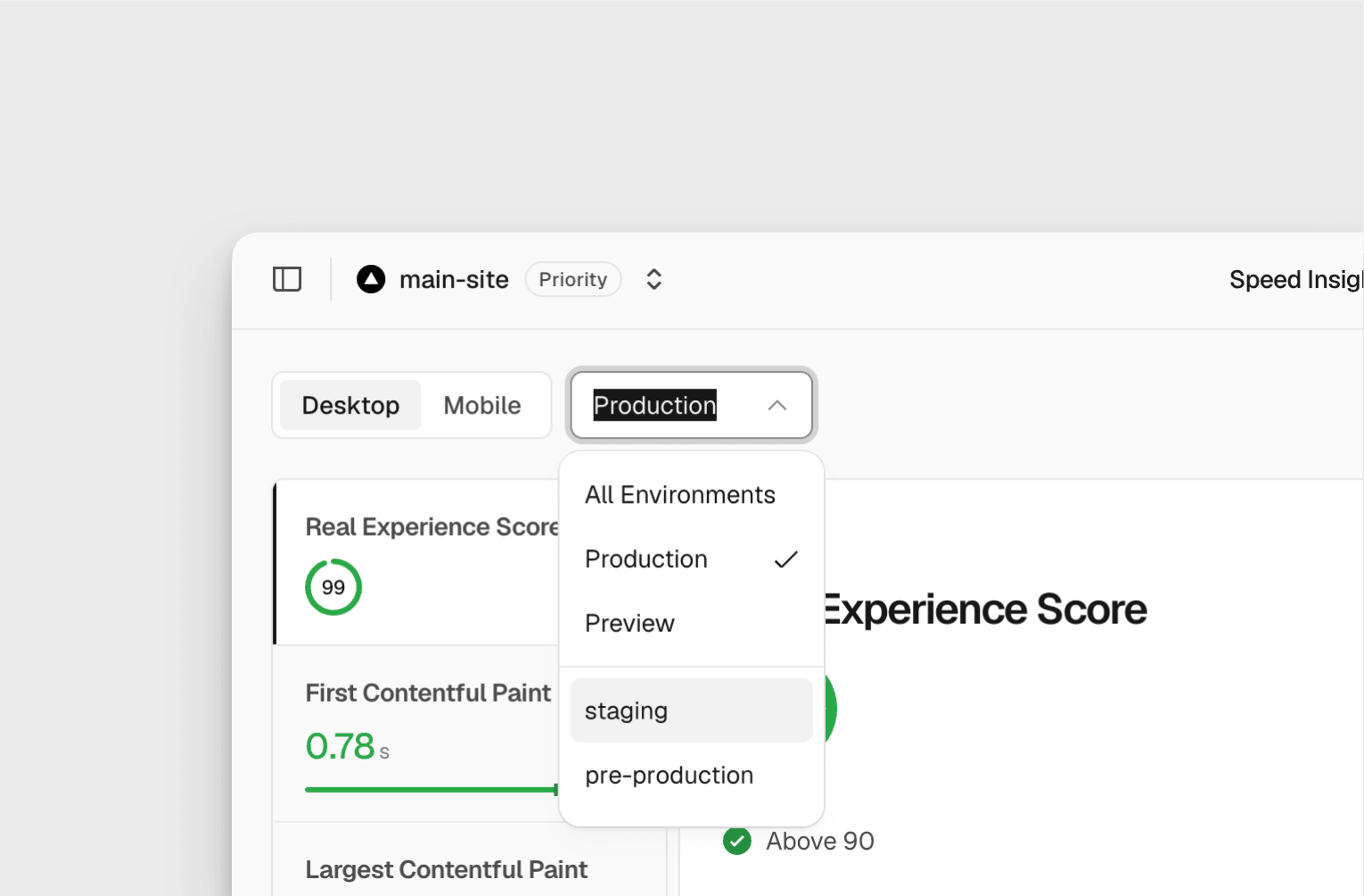
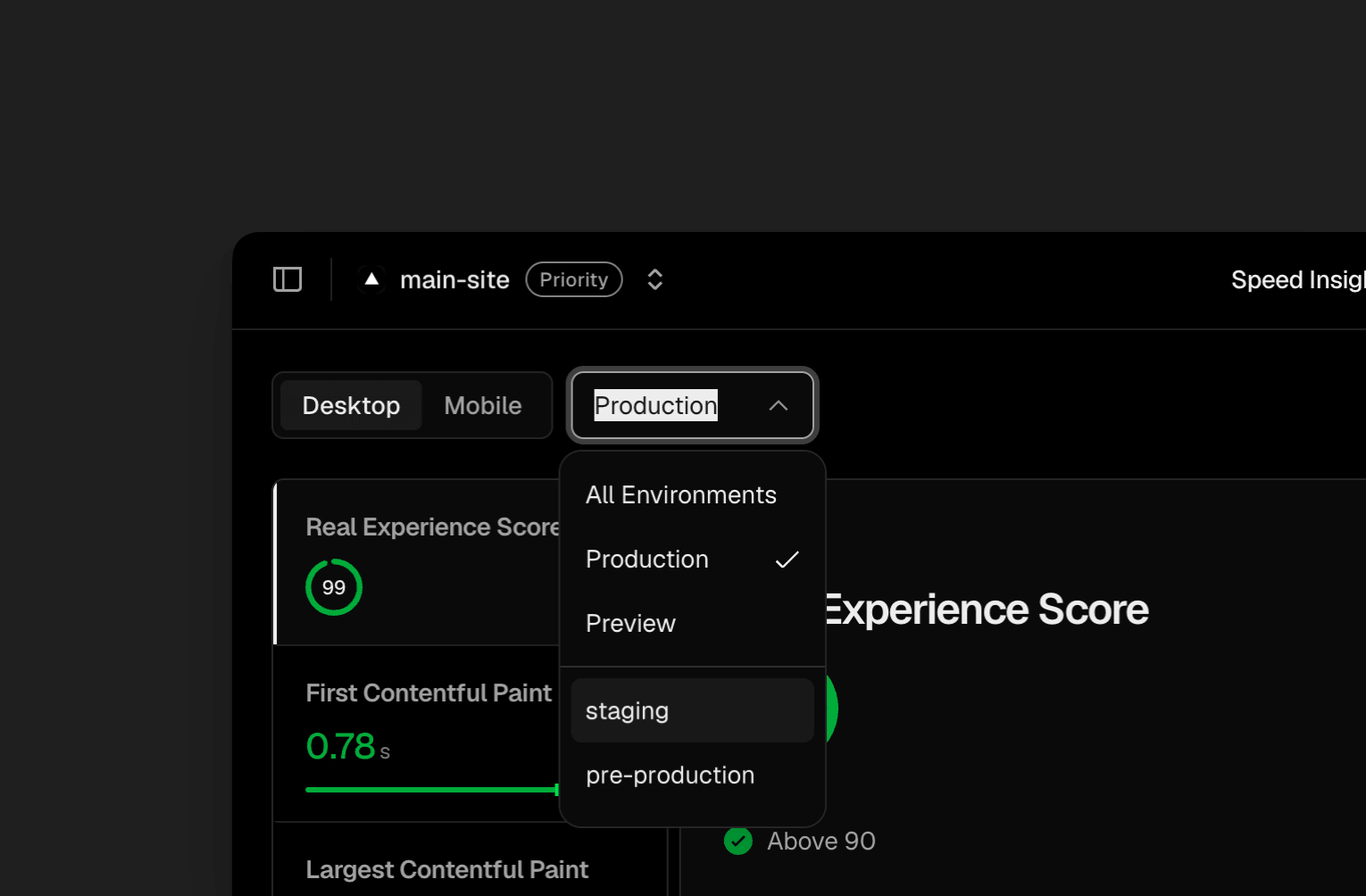
Speed Insights 环境下拉菜单,显示 All Environments、Production、Preview 以及自定义环境 staging 和 pre-production。Speed Insights 环境下拉菜单,显示 All Environments、Production、Preview 以及自定义环境 staging 和 pre-production。
你可以在以下几个位置查看这些数据:
仪表板:在 Speed Insights 和 Web Analytics 中使用 Environment 下拉菜单选择自定义环境
CLI:使用 vc metrics 命令进行查询
查询构建器:按环境进行筛选和细分
Aggregation API:以编程方式查询(仅限 Web Analytics)
此变更仅影响数据的归属方式。不会采集新的数据点,也无需更改任何配置。
自定义环境在 Pro 和 Enterprise 计划中可用。请参阅环境文档了解更多信息。
The translation is machine-generated and individual terms may be off. Nothing is rewritten or cut; the original is authoritative.
Published by Vercel Blog
This site only summarises and aggregates; copyright stays with the original author. Headlines and summaries follow the source — where they differ, the original wins.
 Newshot